




INBARASAN R
Updated on
18-02-2026
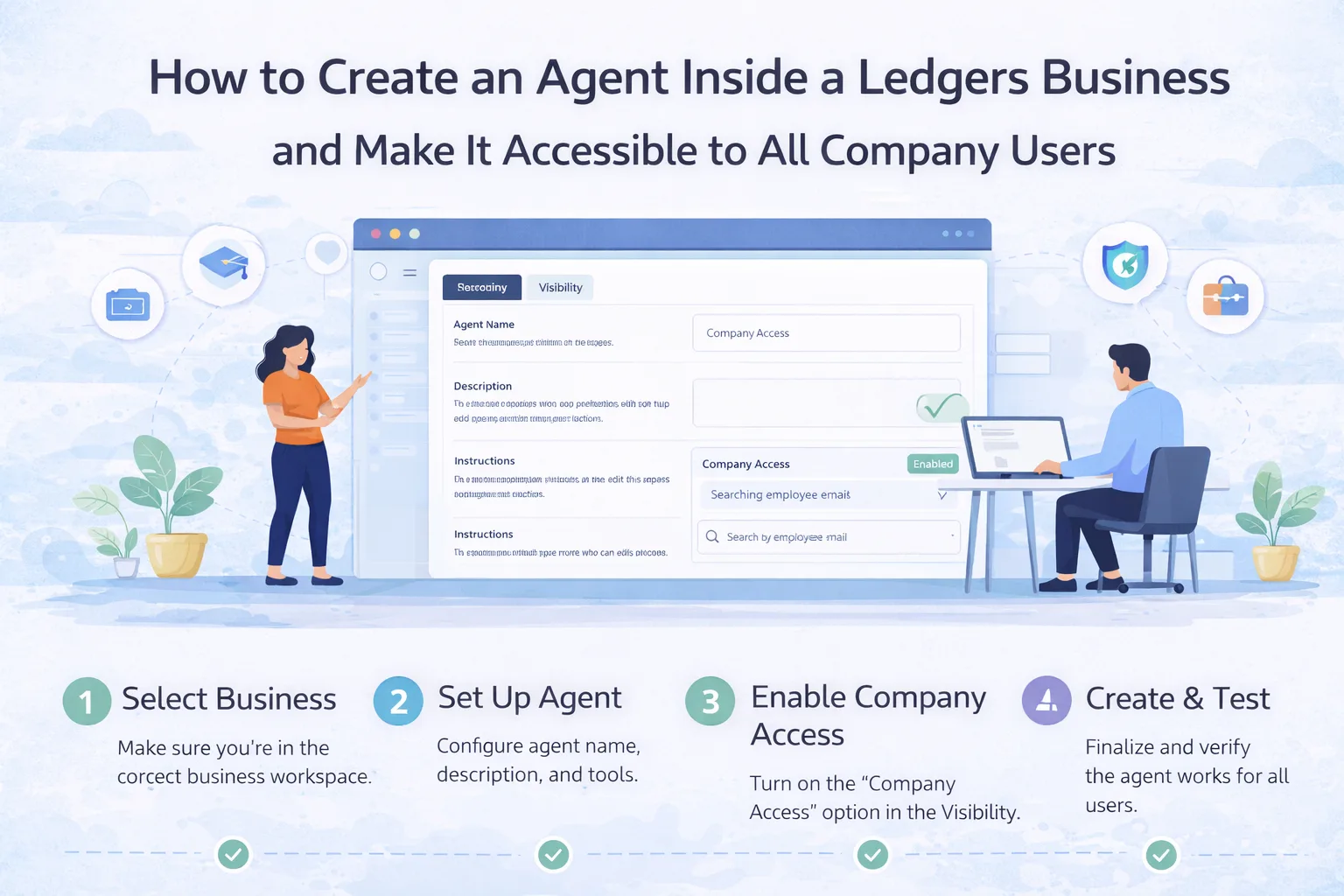
How to Create an Agent Inside a Ledgers Business and Make It Accessible to All Company Users
Agents are created in a specific workspace corresponding to the business that they belong to. In essence, all agents are tied to one company, and all access for agents will be managed at the company level. If you would like for your entire team to utilize a single AI assistant across all users within that business, you can create an agent and configure it to allow access by all users associated with that company.
Step 2: Navigate to the Agents Section
From the left sidebar, click on Agents. Then select Create Agent to begin the setup process.
Step 3: Enter Basic Agent Information
Agent NameGive your agent a clear and meaningful name that reflects its purpose. For example, Sales Assistant, Finance Support, or Compliance Advisor.
DescriptionAdd a short description explaining what the agent will help the team with. This helps other users understand when and how to use it.
InstructionsDefine how the agent should behave. Set rules for tone, response style, and when it should use tools. Clear instructions improve consistency and performance.
Step 4: Attach Tools and Connectors (If Needed)
If the agent needs to perform actions such as creating records, retrieving data, or triggering workflows, attach the required tools and connectors. Assign only the tools that are necessary for the agent's role.
Step 5: Enable Company Access
Go to the Visibility tab. Here you will find the Company Access toggle.
Turn on Company Access if you want the agent to be available to all users inside that business. Once enabled, every active user within the company workspace can access and use the agent.
If you prefer to restrict access, leave the toggle off and manually add specific users under the User Access section.
Final Step: Create and Test
After reviewing the configuration, click Create. Once created, test the agent using different company user accounts to confirm that access permissions are working as expected.
Important Note:Agents created within a Ledgers business remain isolated to that specific company. This ensures secure separation between businesses while allowing full collaboration among authorized users inside the same organization.