
HARIEASHWARAN
Updated on 30-07-2026
The Billing feature of Ledgers CRM allows its customers to manage their financial activities through one location. Everything from Wallets, Subscriptions, Invoices, and Account Statements can be easily managed in the Billing feature with one simple click.
A billing module is a component of business management systems that automates billing tasks, thereby improving operational efficiency. From invoicing and payment processing to financial reporting, it's a vital tool for enhancing the accuracy and speed of transactions in various industries. By automating routine tasks, businesses can focus on growth and customer satisfaction.
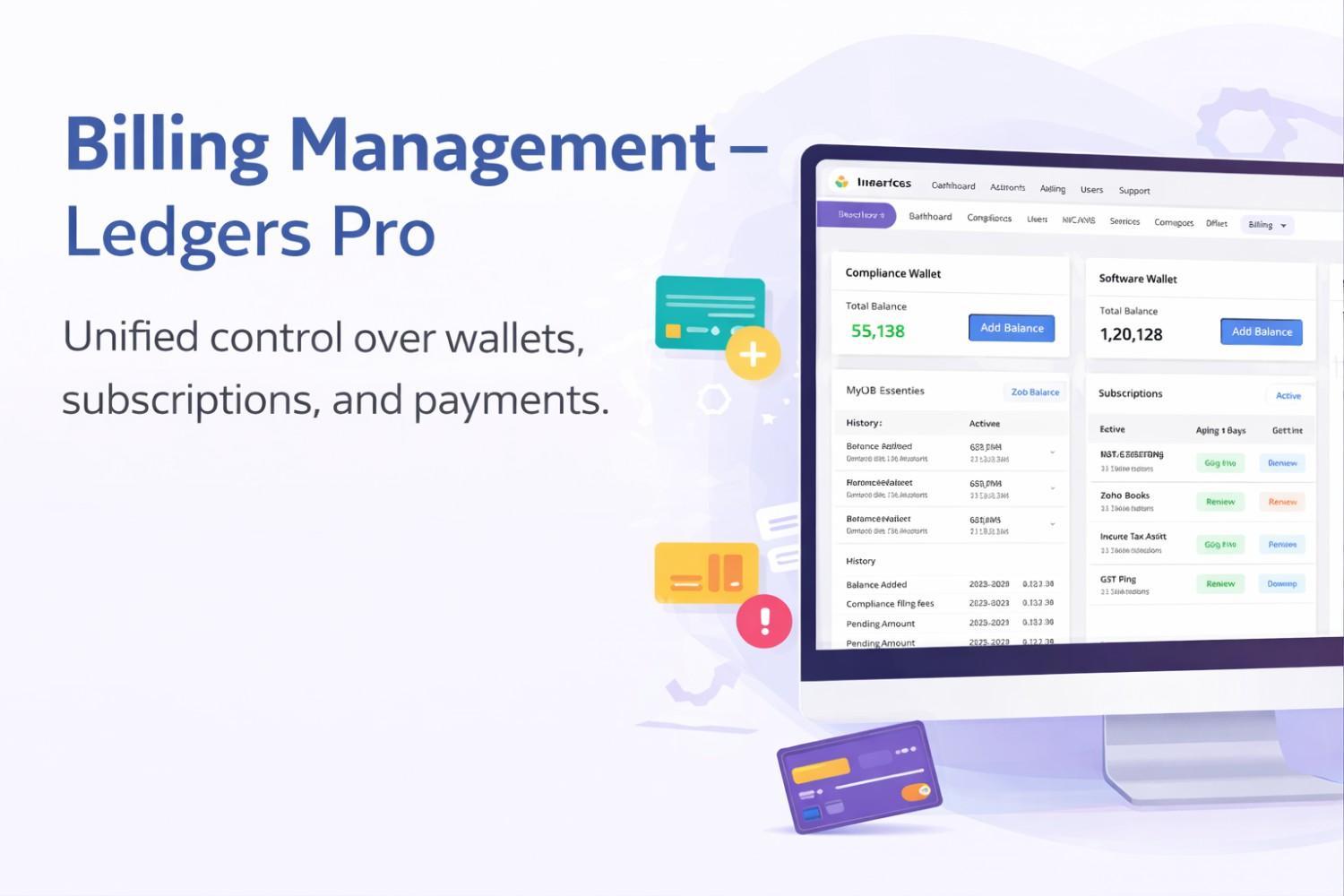
Ledgers CRM gives Customers the ability to create Dual Wallets to better separate out all of their transactions. Compliance Wallet - for all compliance-related transactions Software Wallet - for all software subscription and platform fees. Both Wallets have the same functionality. Each Wallet has a Balance, Pending Dues (if any), and a Quick Options (Add Funds) button in it. From the Wallet view of the Wallet, Customers can also view their Detailed Account Statement. Customers can see their Real Time Balance and therefore they are informed of the Real Time Amount of available credits that they have available for payment.
Subscription Management:
The Subscription Management area consolidates all active and completed subscriptions into one view. Each Subscription record will contain the following: The Product and associated Entity
The Subscription Start Date, plus how many days old it is.
Status indicators (active, completed, expired, overdue) clearly defined. Users will be able to take appropriate action on completed subscriptions (renew), as well as eligible compliance subscriptions (pause), and downgrade plans (e.g., Tax Assist or Tax & HR Assist) based on the status of their subscriptions and whether they are eligible. Actions not applicable based on status and eligibility will not be displayed, ensuring a simple interface which is free from errors and disorganization.
Through the combined capabilities of the Billing Module in Ledgers CRM, which brings together Wallets, Subscriptions, Invoices and Statements into one place, businesses can manage their billing/payments in a coordinated manner that promotes transparency, efficiency and ease of access to their financial information. Therefore, businesses have complete confidence that they are managing their costs effectively and without the risk of disruption due to service interruptions.
