




HARIEASHWARAN
Developer
Updated on
03-01-2026
Settings Guide: Manage Your Ledgers-Pro Account
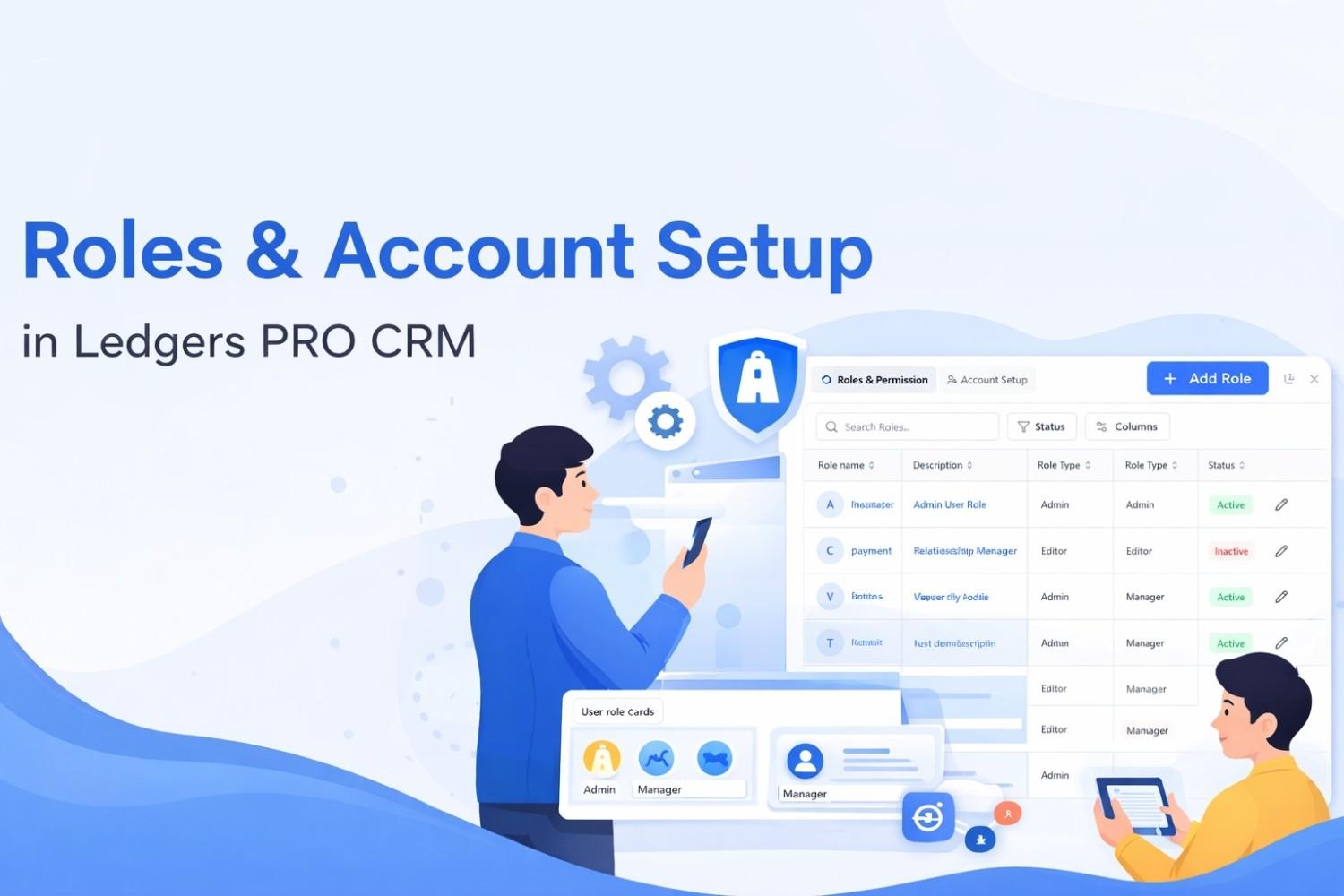
With access control capabilities and account management features, the Settings page provides a means for configuring who has access to what and how payment accounts are set up. The Settings Page consists of two categories (Account Setup and Roles & Permission) with the following features:
Roles & Permissions:
The function allows you to create and manage the roles that define your Users and their permissions on the system (Six module permissions). Catalogs, Users, Subscriptions, Payments, Customers ,Enagements
- Levels of Permissions; View, Edit, Delete
- Types of Roles; Viewer, Manager, Editor, Admin, Custom
- Currently Active and Inactive Roles Search and Filtering for your Roles
Account Set-Up
The primary roles in Ledgers Pro include:
- Admin: Full access to all features, settings, and data.
- Manager: Manage data entries and oversee team activities.
- Accountant: Access to financial reports, transactions, and accounting tasks.
- Viewer: Read-only access to data for monitoring purposes.
Account Set-Up
- Set-Up and Manage Your Bank Accounts
- Connect Payment Gateways
- Access Multiple Payment Providers
- Keep Track of Bank Accounts
Manage Roles and Permissions
- Open the Roles & Permissions tab
- Use search to find roles
- Filter by status (Active/Inactive)
Create a role:
- Click "Add Role"
- Enter role name and description
- Select role type
- Set permissions for each module & save
Edit role:
- Click Edit on a role
- Update name, description, or type
- Adjust permissions & Save
Managing Account Setup
View Accounts:
- Open the Account Setup tab
- See all bank accounts
- Search by account name or bank
Add an Account:
- Click "Add Bank Account"
- Enter account details
- Configure payment gateway settings
Benefits
- Security: Control who can access and modify data
- Organization: Assign roles based on job functions
- Flexibility: Customize permissions per role
- Efficiency: Manage accounts in one place
- Control: Activate or deactivate roles as needed
- Clarity: See permissions at a glance
- Integration: Connect payment gateways for transactions