




PREMNATH P
Developer
Updated on
07-01-2026
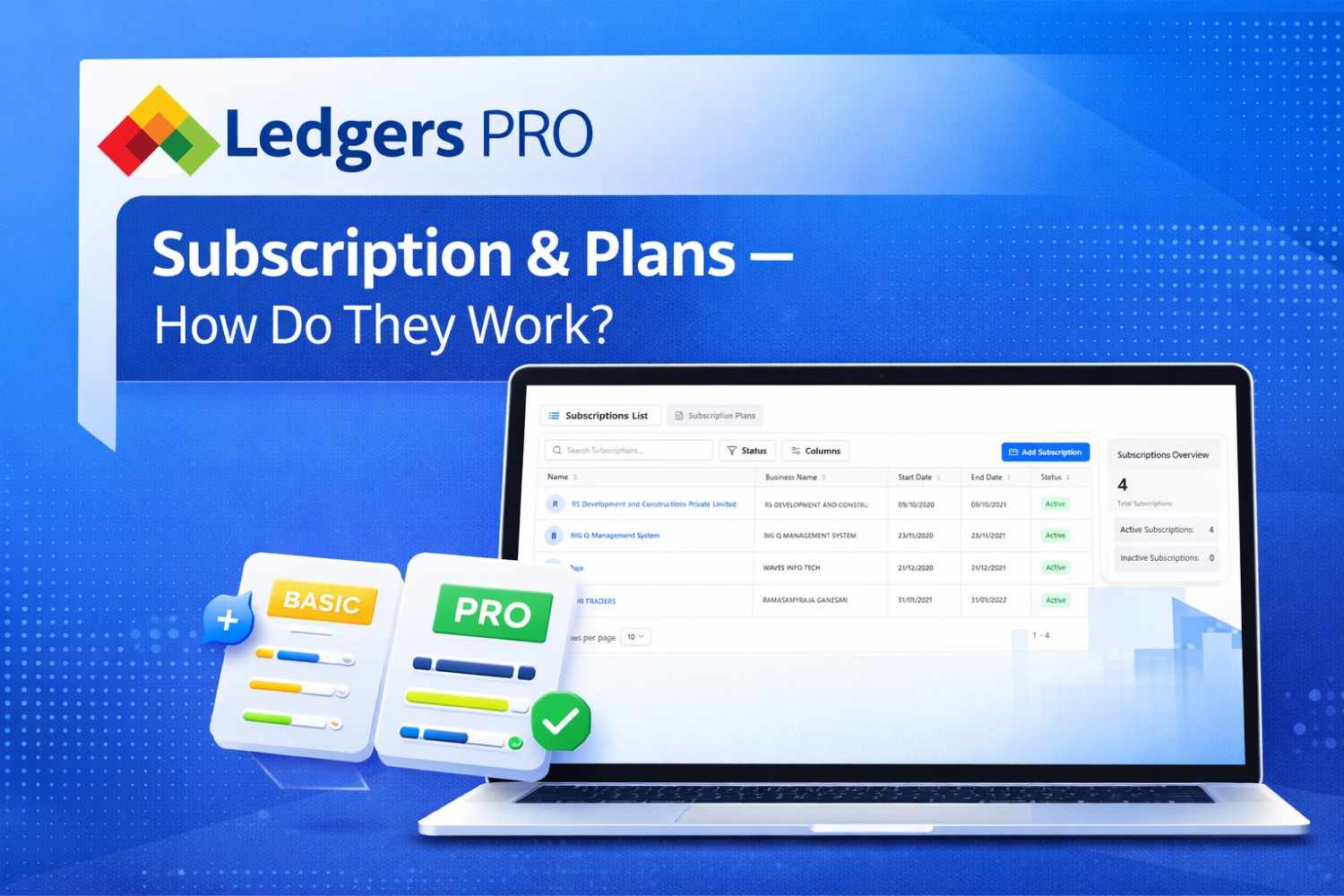
Ledgers PRO Subscription & Plans – How Do They Work?
Subscription-based software delivery is becoming increasingly popular among businesses today. Ledgers PRO, an excellent CRM program, provides an easy-to-follow structure for managing both Plans and Subscriptions. In this article, we will explain how Ledgers PRO CRM works regarding their Plans & Subscription model.
What Is a Plan?
When it comes to Ledgers PRO, a Plan refers to a customer's pricing and service description. The purpose of Plans is to create and manage Subscriptions based on those Plans.
All subscriptions have the following Plan details, which inform the user about what will happen during their subscription:
- Plan Name – Identifies the Plan
- Plan Price – The amount paid for a subscription
- Plan Description – Describes the services provided during the subscription
- Billing Cycle – Identifies how long the subscription will last
Ledgers PRO offers different Billing Cycles to accommodate various customer needs and allows customers to choose between them or combine them when creating Plans.
Billing Cycles Available in Ledgers PRO
Monthly
A Billing Cycle appropriate for individuals who want to use Ledgers PRO without committing to an extended period of time (for example, the user could cancel after 30 days).
Quarterly
A Billing Cycle suitable for users who want to use Ledgers PRO for an extended period but do not want to lock themselves in for an entire year. This Billing Cycle offers a lower price than Monthly Billing Cycles.
Annually
A Billing Cycle designed for individuals who will be using Ledgers PRO for a long-term period.
Users have the option of selecting a combination of these Billing Cycles when creating their own Plans.
Creating a Plan in Ledgers PRO
To create a Plan in Ledgers PRO, Administrators must:
- Set the price for each possible Billing Period
- Create a clear and easy-to-understand Plan description
- Specify the applicable Billing Period (Monthly, Quarterly, or Annually)
Once created, the Plan is made available for Users to subscribe.
What Is a Subscription?
Subscriptions to Ledgers PRO CRM are created when Users subscribe to a specific Plan. A Subscription also identifies the active period of access to Ledgers PRO CRM based on the Billing Cycle selected by the User.
Subscription Attributes
All subscriptions have the following attributes associated with them:
- Selected Plan
- Start Date
- End Date
- Subscription Status
- Auto Renewal Configuration
Subscription Life Cycle in Ledgers PRO
1. Subscription Start
When a subscription is created:
- The subscription start date is established
- The end date is automatically calculated based on the selected Billing Cycle
- The subscription status is set to Active
2. Active Subscription
While the subscription is Active:
- The customer has complete access to Ledgers PRO CRM
- The subscription remains valid until the established end date
3. Auto Renewal
Ledgers PRO provides a built-in Auto Renewal feature to ensure uninterrupted service:
- If Auto Renewal is enabled, the subscription automatically renews at the end of the current Billing Cycle
- The new end date follows the same subscription type and Billing Cycle
- The subscription remains Active unless manually stopped
4. Subscription Expiration
If Auto Renewal is not enabled and the end date is reached:
- The subscription expires
- The subscription status changes from Active to Inactive
- The customer loses access to the associated products and services
Subscription Status Management
Ledgers PRO uses a simple and clear subscription status system:
- Active – The subscription is valid and has access to products and services
- Inactive – The subscription has expired or was not renewed
This makes it easy for both customers and administrators to understand subscription health at any time.
Advantages of the Plans and Subscription Module
The Plans and Subscriptions module of Ledgers PRO enables companies to:
- Provide multiple pricing options using different Billing Cycles
- Maintain a reliable source of recurring revenue
- Automate renewals and save administrative time
- Clearly define subscription validity periods
- Track and manage subscription types easily
How Choosing the Right Plan Affects Your Business
By choosing the Plan and Billing Cycle that best meets your business needs, you can:
- Ensure your CRM supports your operations
- Control expenses consistently
- Deliver a high level of customer satisfaction through accurate billing
- Scale your business using structured subscriptions
Final Thoughts
Ledgers PRO offers a well-organized and managed approach to CRM pricing and access. By defining structured Plans with monthly, quarterly, and yearly Billing Cycles and linking them to Subscriptions with clear start and end dates, customers receive a professional and consistent subscription experience.
In Ledgers PRO, subscriptions are not just billing records—they are a means of creating consistency in service delivery, ensuring customer satisfaction, and supporting sustained business growth over time.