
KARTHICKKUMAR R
Updated on 30-07-2026
The efficient management of GST invoices is essential for properly complying with all regulations and seamlessly processing Input Tax Credit (ITC) claims. The LEDGERS Invoice Management System (IMS) provides a robust way for businesses to track, compare, and reconcile purchase invoices back to the GST records. It gives businesses visibility and control over their invoice processing at every step of the way, and provides certainty that the invoices are accurate and comply with regulations.
The LEDGERS system is developed to fit within the framework of the GST portal's IMS system, and helps businesses improve their invoice processes; reduces mismatches and can help businesses make quicker and more accurate tax decisions.
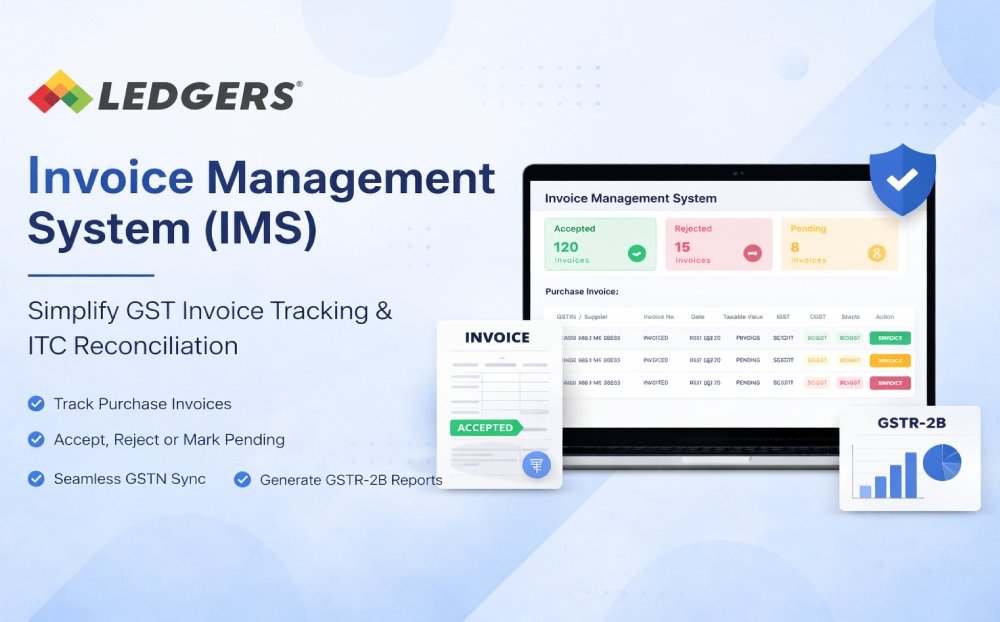
LEDGERS IMS is a centralized invoice dashboard that will allow businesses to view all invoices uploaded by suppliers and take appropriate action (e.g., approving, rejecting, or marking as pending). This process gives businesses assurance that only valid tax invoices will be included in the ITC claims and will appear on their GST returns.
The LEDGERS system enhances the above function with an easy to use interface, automation, and integration with the GSTN.
Access all purchase invoices in one place with complete details including GSTIN, invoice number, date, taxable value, and tax amounts.
Review each invoice and take action:
This helps eliminate errors and ensures accurate tax reporting.
Automatically sync invoice data from GSTN, ensuring your records are always up to date with supplier filings.
Generate accurate GSTR-2B summaries after reviewing invoice actions, enabling smooth ITC claims and return filing.
Quickly process multiple invoices using bulk selection and apply filters based on status, date range, or supplier GSTIN for faster reconciliation.
Identify mismatches, receive error alerts, and correct issues efficiently to avoid compliance risks.
LEDGERS simplifies the IMS workflow into a few easy steps:
Review invoices before claiming ITC, reducing errors and mismatches.
Maintain proper audit trails and avoid notices through systematic invoice validation.
Reduce manual reconciliation efforts with bulk processing and real-time updates.
Gain complete control over invoice status across accepted, rejected, and pending categories.
Identify discrepancies early and coordinate with vendors for corrections.
LEDGERS goes beyond basic GST functionality by offering a user-friendly, automated, and scalable IMS solution. Whether you handle hundreds or thousands of invoices, LEDGERS ensures:
The LEDGERS Invoice Management System (IMS) is an essential tool for businesses aiming to simplify GST invoice handling and maximize ITC accuracy. By providing real-time invoice tracking, intelligent reconciliation, and seamless GST integration, LEDGERS empowers businesses to stay compliant, efficient, and in control of their financial operations.
