
ledgers.cloudledgers.cloud
India
UAE
USA
AI Agents
PRO Platform
Developers
Pricing
About
LEDGERS Logo

Completely integrated suite of cloud-based tools to help you with invoicing, payments, accounting, inventory management, payroll, GST compliance and more.

Company

  • About Us
  • Contact Us

Usage

  • Terms & Conditions
  • Privacy Policy
  • Assured Terms

Trusted & Certified

ISO 22301 BCMS CertifiedISO 27001 ISMS Certified

Download App

Get it on Google PlayDownload on the App Store
© 2026 LEDGERS. All rights reserved.
Employee Self Service Portal Benefits Features
HARISH BABU KM

HARISH BABU KM

Updated on 10-11-2026

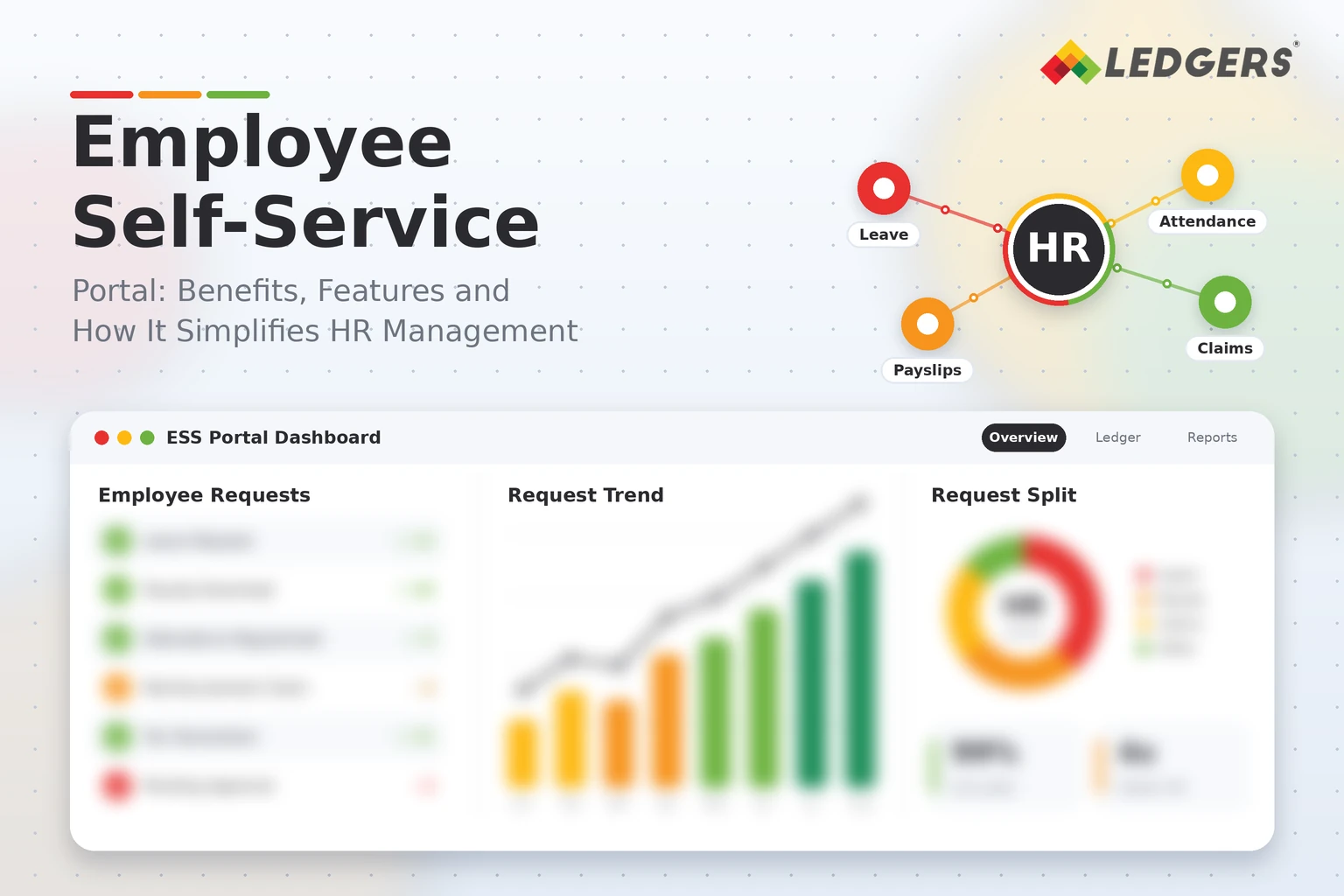
Employee Self-Service Portal: Benefits, Features & How It Simplifies HR Management

Introduction :

Ask any HR team what takes up most of their day, and the answer is rarely strategy. It is small, repeated requests: “Can you send my payslip?”, “How many leaves do I have left?”, “Please update my bank details.” An employee self service portal India solves this by letting employees find and manage these things themselves, anytime and from any device.

This guide explains what a portal is, the main benefits, the features worth looking for and how it simplifies daily HR work. Since onboarding and document verification are a big part of the picture, you will also see how employee KYC fits in and what to check before choosing a tool. Teams that want a Best employee KYC software India option should read the KYC section carefully.

Table of Contents :

  1. What Is an Employee Self Service Portal ?
  2. Key Benefits for Employees and HR
  3. Key Features
  4. Employee KYC and Onboarding
  5. How It Simplifies HR Management ?
  6. Security and Privacy
  7. How to Roll Out a Portal Step by Step ?
  8. Common Mistakes to Avoid
  9. Portal Features at a Glance

What Is an Employee Self Service Portal ?

An employee self service portal, often called an ESS portal, is a secure website or mobile app where employees can view their own HR information and complete routine tasks without contacting HR. Managers use it to approve requests, and HR uses it to publish policies and updates.

Typical activities include downloading payslips, applying for leave, checking attendance, submitting tax declarations and updating personal details. The portal becomes a single place for everything an employee needs from HR.

Key Benefits for Employees and HR :

A good portal helps both sides of the table.

For employees:

  • Instant access to payslips, tax documents and leave balances
  • Easy leave and reimbursement requests with clear status updates
  • Transparency about attendance, policies and approvals
  • Less waiting, since many answers are available in a few taps

For HR and managers:

  • Fewer repetitive queries, so HR can focus on hiring, engagement and planning
  • Cleaner data, because employees enter and update their own information
  • Faster approvals, with requests routed to the right manager
  • Better records, since every change leaves a trail for audits

For the business, this means lower admin effort and a better employee experience, especially with remote and field teams.

Key Features to Look For :

Not every portal offers the same depth. These are the core features to check:

  • Payslips and tax documents. Monthly payslips, Form 16 and salary breakups
  • Leave management. Applications, balances, holiday calendars and approvals
  • Attendance view. Daily records, regularisation requests and shift details
  • Tax declarations. Investment proof submission and declaration updates
  • Reimbursements. Claims with bill uploads and approval tracking
  • Profile updates. Address, contact and bank detail changes with approval workflow
  • Document centre. Offer letters, policies and company notices
  • Helpdesk. A way to raise HR queries and track responses
  • Mobile access. A responsive web portal or app for on the go use
  • Role based access. Different views for employees, managers and HR

Employee KYC and Onboarding :

The portal is also the best place to collect and verify employee documents. New joiners can upload identity proof, address proof, bank details and statutory numbers directly, instead of emailing scans.

A strong KYC process usually covers:

  • Identity and address proof submission
  • PAN and bank account verification
  • PF and ESI related details where applicable
  • Education and past employment documents
  • Digital consent and clear records of who approved what

Many companies compare tools before choosing one, and a dedicated Best employee KYC software India option can reduce manual checking, speed up joining formalities and keep verified documents ready for audits. Collect only the information you actually need, and follow privacy and data protection rules when storing identity documents.

How It Simplifies HR Management ?

An Employee Self Service Portal India changes the daily rhythm of HR in several ways:

  • Fewer interruptions. Employees answer their own questions, so HR spends less time on routine requests.
  • Faster processes. Leave, reimbursement and profile requests move through digital approvals instead of emails.
  • Accurate payroll inputs. Attendance, leave and declaration data flow into payroll with fewer manual corrections.
  • Consistent communication. Policies and announcements reach everyone through one channel.
  • Easier compliance. Digital records and approval trails support audits and inspections.
  • Better planning. Dashboards show leave trends, attendance patterns and pending approvals.

The result is a leaner HR function that can focus on people instead of paperwork.

Security and Privacy :

Because a portal stores sensitive personal and salary data, security matters as much as convenience. Look for:

  • Secure login, with options such as two factor authentication
  • Encryption of data in storage and during transfer
  • Role based permissions and activity logs
  • Regular backups and clear data retention rules
  • Masking of sensitive identifiers where possible
  • Compliance with applicable data protection requirements in India

Ask vendors to explain how they protect and handle employee data before you sign up.

How to Roll Out a Portal Step by Step ?

A smooth launch makes adoption easier:

  • List your needs. Decide which processes you want to move online first.
  • Clean your data. Check employee records, leave policies and approval chains.
  • Choose the tool. Compare features, security, support and pricing.
  • Set up workflows. Configure leave types, approvers and notifications.
  • Run a pilot. Start with one team and collect feedback.
  • Train employees and managers. Share short guides or quick demos.
  • Launch and review. Roll it out company wide and review usage every quarter.

Common Mistakes to Avoid :

Watch out for these problems:

  • Launching without training, so employees keep contacting HR anyway
  • Moving too many processes at once
  • Ignoring mobile access for field and shift workers
  • Leaving approval chains unclear
  • Collecting more personal data than needed
  • Choosing a tool that does not connect with payroll and attendance

Portal Features at a Glance :

The table below shows how common features help both employees and HR.

Feature

What Employees Can Do

Benefit for HR

Best For

Payslips and Form 16

Download salary and tax documents anytime

Fewer document requests

All companies

Leave management

Apply, check balances, track approvals

Cleaner leave records

Growing teams

Attendance view

See records and request corrections

Fewer disputes at month end

Shift based and field teams

Tax declarations

Submit investment proofs online

Smoother tax computation

Salaried workforce

Reimbursements

Upload bills and track claims

Faster, auditable approvals

Sales and travel heavy teams

Profile updates

Change address or bank details

Accurate master data

All companies

KYC document upload

Submit and verify identity documents

Faster onboarding, ready audit trail

Companies with frequent hiring

Helpdesk

Raise and track HR queries

Organised support, less email

Larger organisations

Conclusion :

An employee self service portal gives employees control over routine tasks and gives HR time back. With the right features, secure document handling and a simple rollout, it improves transparency, speeds up approvals and keeps your records tidy.

If you want a connected system for employee records, attendance, payroll and documents, explore Ledgers and see how it can simplify your regular work.

Related Guides

Employee Self-Service Portal: Benefits, Features & How It Simplifies HR Management
Employee Attendance Management System: Features, Benefits & Best Practices
Aadhar Sign in Employee Contracts
Understanding Employment Contracts: A Complete Guide
Draft, Customize & eSign Employment Contracts Seamlessly with LEDGERS