



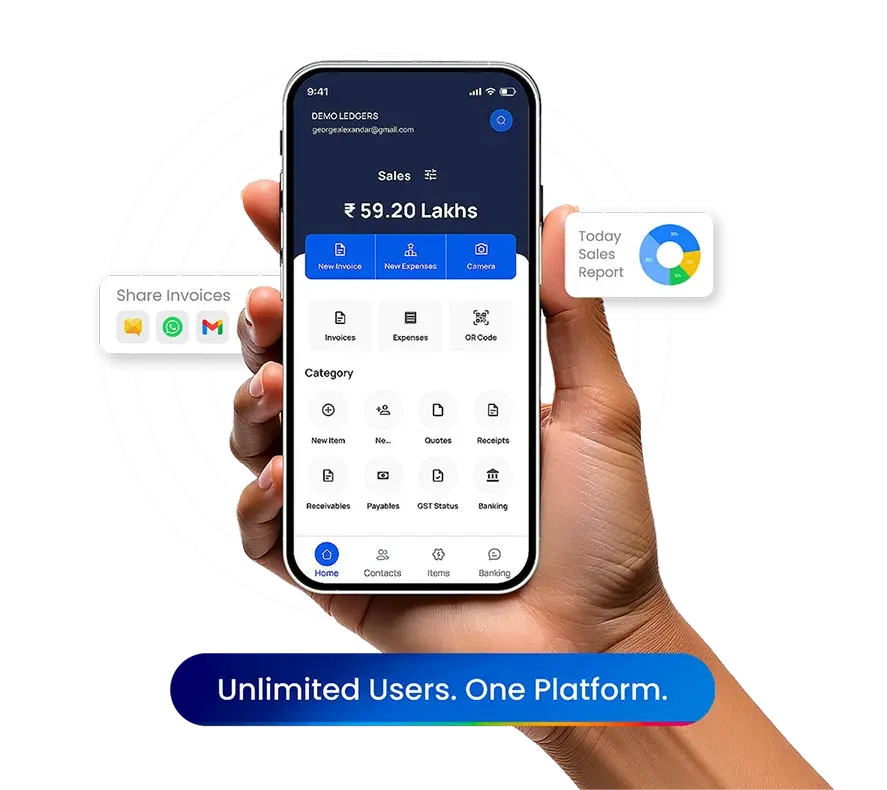
Setup LEDGERS
Fully Configurable ESI Contribution Setup
Define employee and employer ESI contribution percentages with built-in statutory defaults or custom values. Configure applicability based on salary limits without any technical expertise—everything is handled within the portal.
Streamlined Filing Workflow
Route ESI reports through finance or HR checkpoints before final export. Track progress in real-time, set up approval workflows, and generate filing-ready reports with a single click.
Secure & Organized Return Management
Download ESI return files in ESIC-compliant formats (CSV). All return files are securely stored, version-controlled, and protected from tampering—ensuring transparency and audit-readiness.
ESI Return Management & Compliance Automation
- Set ESI contribution rules for employees and employers directly in the LEDGERS platform.
- Automatically calculate ESI during payroll based on defined eligibility and salary structure.
- Generate downloadable ESI return files in formats accepted by the ESIC portal—ready for upload.
- Track IP numbers, manage employee eligibility, and correct data in real-time.
- Securely store and access all past return files with version control and audit logs.
- All accessible from a browser — direct ESIC portal integration coming soon!
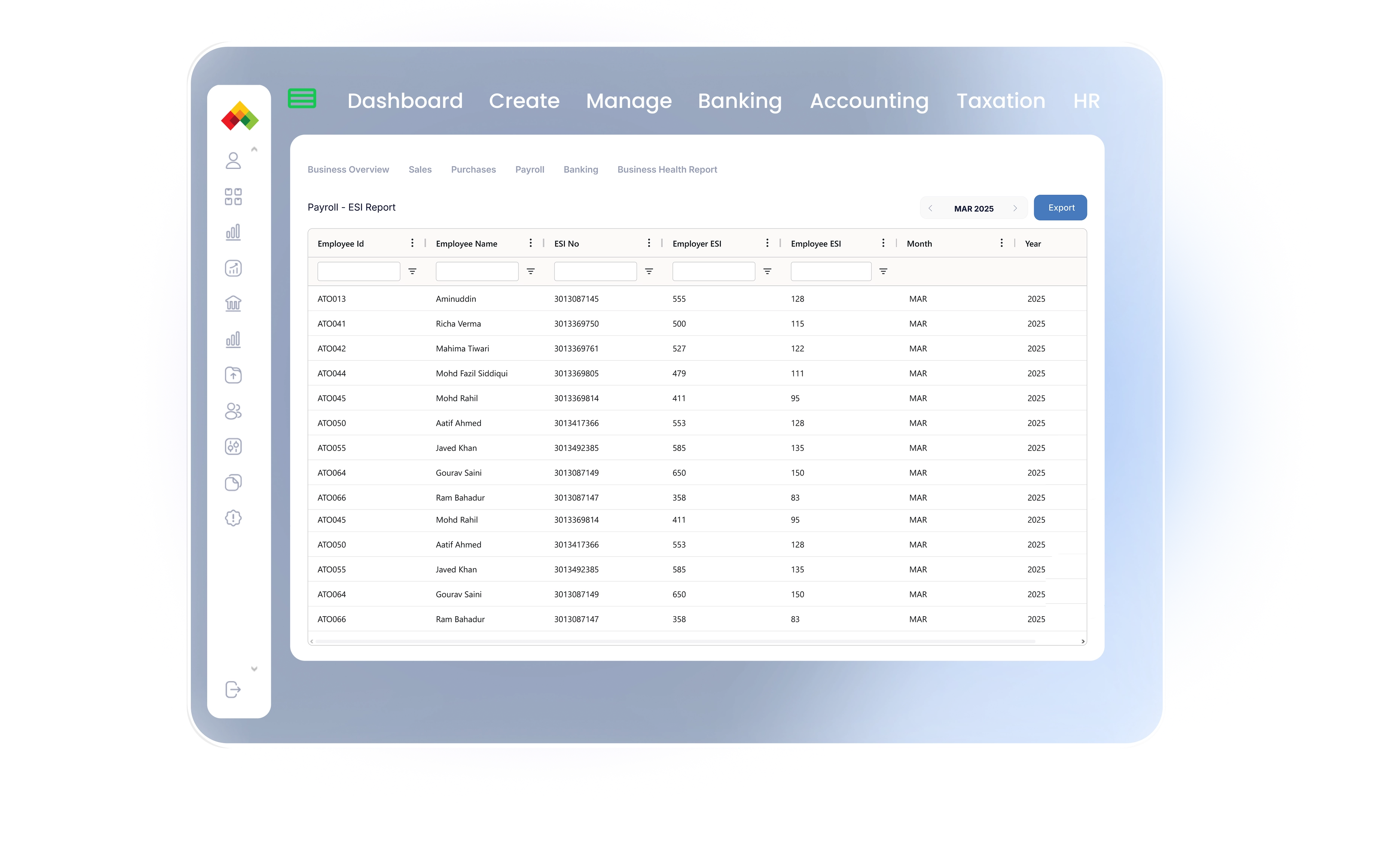
Employee Insurance Number & ESI Data Management
Maintain and manage Employee Insurance Numbers (IP numbers) centrally. Automatically associate ESI details with each employee, and update or correct information as needed without manual intervention.
Smart Compliance Insights & Alerts
Get instant visibility into ESI contribution records, coverage eligibility, and salary limits. Generate audit-ready summaries and receive automated alerts for compliance gaps—no manual tracking required.