




HARIEASHWARAN
Developer
Updated on
07-01-2026
Ledgers Pro Users Accounting Solutions
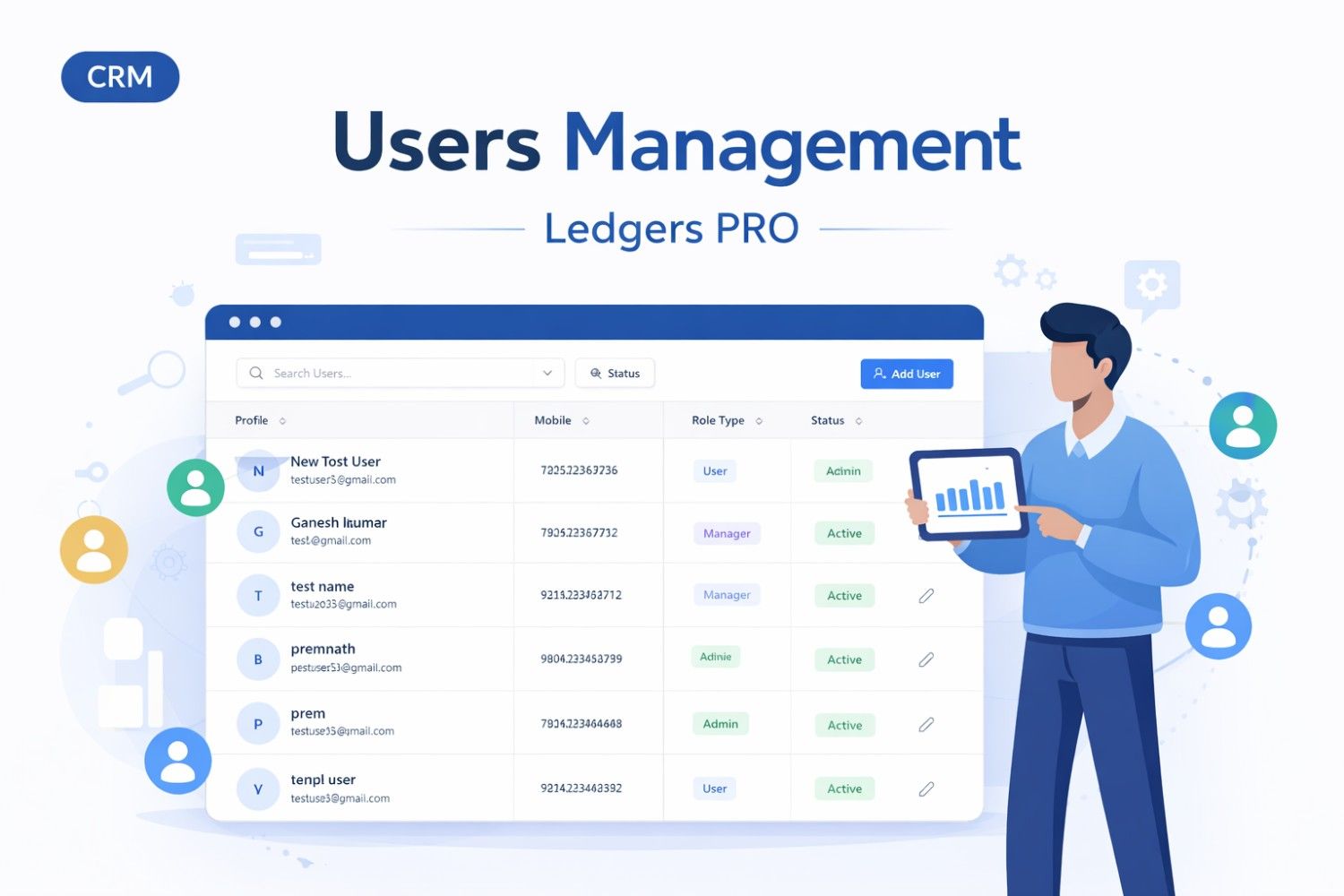
The Users Page Central point for managing users within the system Central point for managing users within the system. Provides a summary of users, roles, statuses, and what organization they are from. Also allows for adding, editing, and modifying user account information.
Purpose
The Users page enables administrators and authorized managers to:
- View all system users in a searchable, sortable table
- Monitor user statistics (total, active, inactive)
- Create new user accounts
- Edit existing user information
- Activate or deactivate user accounts
-
Filter and search users
Key Features Overview
- Comprehensive Reporting: Generate detailed financial reports quickly and accurately.
- Automated Bookkeeping: Simplify your bookkeeping processes with automated tasks.
- Advanced Security: Ensure your financial data's safety with top-notch security protocols.
- Seamless Integration: Easily integrate with other financial tools and platforms.
- Real-Time Collaboration: Enhance team workflows with real-time data sharing and editing capabilities.
Essential Tips for Ledgers Pro Users
Mastering Ledgers Pro requires strategic planning and a through understanding of its functionalities. Below are some essential tips that can help users make the most out of this accounting software:
1. Harness the Power of Automation
One of the standout features of Ledgers Pro is automation. Automating routine tasks such as invoicing, reconciliations, and reporting can significantly reduce error rates and save time. By setting up automatic workflows, users can ensure a consistent and error-free accounting process.
2. Customize Your Dashboards
Ledgers Pro allows users to customize dashboards to suit their specific needs. This feature enables users to monitor key metrics, track financial performance, and pinpoint areas that require attention promptly. Take full advantage of this customization to keep critical information at your fingertips.
3. Regular Data Review and Auditing
Implementing a regular review process is crucial for maintaining accounting accuracy. Conduct routine checks and audits on your financial data to identify discrepancies and ensure compliance with standard accounting practices.
4. Training and Development
Continuous learning is vital in the fast-evolving accounting landscape. Take advantage of the wealth of training resources provided by Ledgers Pro, including webinars, tutorials, and forums. Staying updated on the latest features and best practices will ensure you remain at the top of your game.
Benefits of Using Ledgers Pro
Choosing Ledgers Pro as your accounting software can yield significant benefits for your business operations. Let's explore some prominent advantages:
- Time Efficiency: Eliminate the mundane, time-consuming aspects of bookkeeping, allowing focus on strategic financial planning.
- Better Decision-Making: With access to real-time financial data and reports, make informed decisions swiftly and with confidence.
Conclusion
Business leaders and Owners should take advantage of the extensive capabilities of Ledgers Pro to create a seamless integration between accounting processes and business growth. Through the use of automated workflows, individual dashboards and enhanced security, Ledgers Pro is setting a high standard in the industry. If you learn and embrace these tools and strategies, you will create improvements in all areas of your financial operations. When you incorporate Ledgers Pro into your accounting operations, you will not only improve your company's efficiency and productivity, but you will also position your company for long-term financial success.