




INBARASAN R
Updated on
26-02-2026
Connect ZoHO MCp Server to June AI Agent and Access Zoho Books Seamlessly
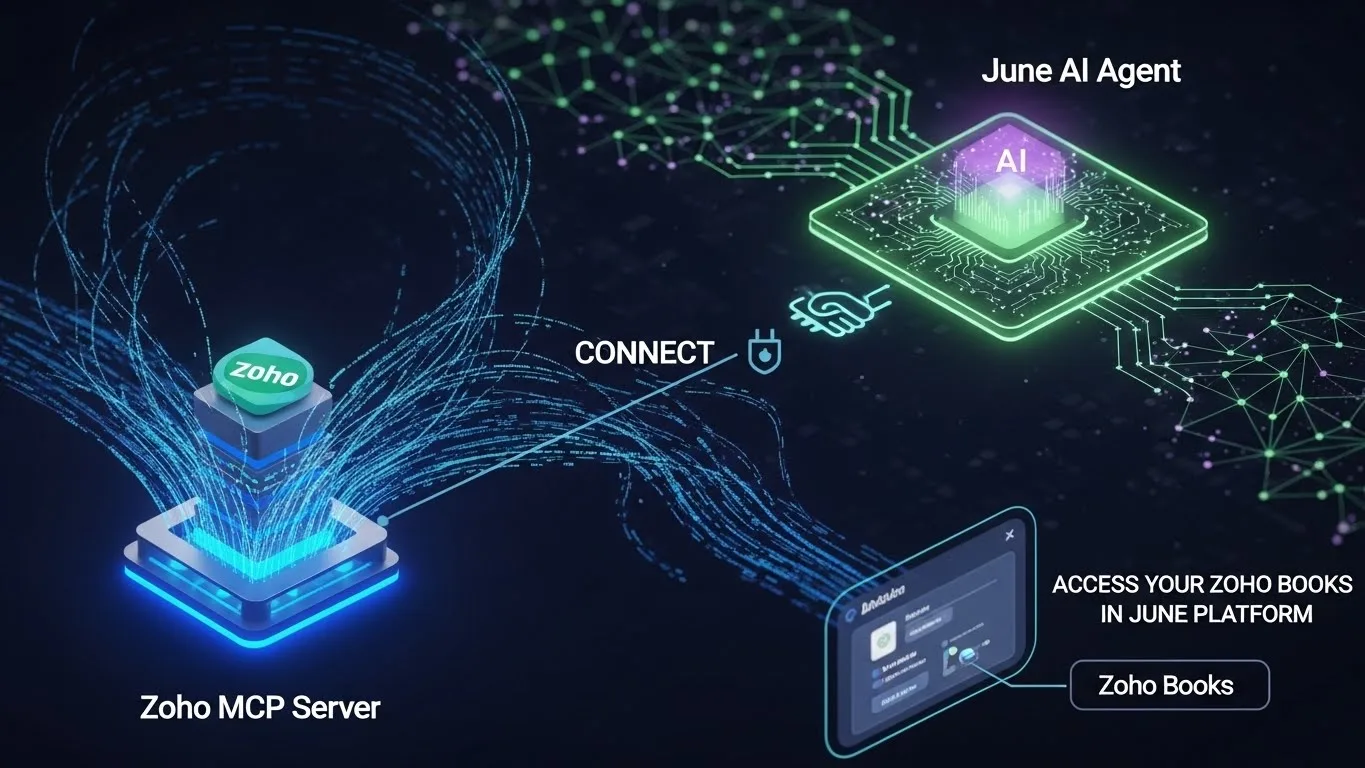
With the fast-changing Digital Market, many businesses are finding ways to successfully combine their existing technologies for maximum efficiencies. As a result of this rapid evolution, many businesses have discovered that utilizing the Connect Tool allows them to connect their Zoho MCp server with their June AI Agent (via Connect) to improve their operational efficiency while also allowing them access to their Zoho Books on the Greater June Platform. In the following article, we will provide detailed instructions for easy integration, along with descriptions of the benefits of using these tools together.
The Importance of Integrating ZoHO MCp with
In today's competitive business environment, having systems that communicate seamlessly can be a significant advantage. Let's examine why integrating ZoHO MCp with is essential:
- Streamlined Business Processes: By integrating these platforms, you streamline your operations, reducing manual errors and saving time.
- Enhanced Data Access: Access your Zoho Books data seamlessly on the June platform, enabling better decision-making.
- Automation: Bring more automation to your workflow, freeing up resources to focus on other critical business areas.
- Improved Communication: Ensure that your technical and operational teams are on the same page with real-time data sharing.
Step-by-Step: Connecting ZoHO MCp Server to June AI Agent
Here's a detailed guide on how you can connect your ZoHO MCp server to June AI agent using the Connect tool:
1. Pre-Integration Checklist
Before you begin, ensure the following:
- Both ZoHO MCp and June platforms are set up and functional.
- A valid API key from ZoHO MCp for authentication.
- Administrator access to both platforms to make the necessary configurations.
2. Establishing a Connection
To establish a connection between your ZoHO MCp server and the June AI agent, follow these steps:
- Login to ZoHO MCp: Access your ZoHO MCp portal using admin credentials.
- Generate an API Key: Navigate to the API section and generate a new API key for integration purposes.
- Login to the June Platform: Use your admin access to log in to the June AI platform.
- Access the 'Connect' Tool: Locate and open the 'Connect' tool within the June platform.
- Enter API Key: Input the ZoHO MCp API key to authenticate the connection.
3. Verifying the Connection
Once the connection setup is complete, it's crucial to verify it:
- Test Data Flow: Check if data from Zoho Books is being represented accurately in June.
- Functionality Checks: Ensure that all anticipated functionalities, such as real-time updates and automated reporting, are operational.
- Troubleshoot: Resolve any issues promptly, utilizing support documentation offered by both ZoHO and June.
Maximizing the Benefits of Your Integration
Upon successful integration, there are numerous advantages you can tap into:
- Unified Dashboard: View and analyze your business metrics in one place.
- Enhanced Customer Experience: Improve customer interactions with accessible and real-time data.
- Cost Efficiency: Reduce operational costs through minimized errors and quicker processes.
- Custom Reports: Leverage custom reporting features to gain insights tailor-suited to your business needs.
Staying Ahead with Technological Integration
The digital frontier offers an array of tools to optimize business processes and maintain competitiveness. Integrating ZoHO MCp server with June AI is a step forward toward smarter, automated business operations. It offers a synergy of resources that can propel organizations to new heights.
Conclusion: The Future of Business Operations
Connecting the ZoHO MCp Server and the is a technical connection that also connects the customer (you) with a strategic partnership - and if done correctly - can yield massive long-term dividends. Improving efficiency through more effectively managing and using your valuable data will offer you and your clients very meaningful results. As the technology landscape continues to advance, you will need to continue to be flexible and adapt to change, and this is where these types of integrations will keep your company ahead of the curve relative to technology trends. Be sure to keep track of enhancements and improvements that are available for both your ZoHO MCp Server and the June AI Agent so that you can always take advantage of improvements and glean maximum benefit from them, giving you an unlimited edge over all of your competitors. Ultimately, by establishing a connection between your ZoHO MCp Server and your , you will create the opportunity for even greater efficiency and opportunity to achieve even greater levels of successfor more information visit: ledgers.cloud.