




SAI VIGNESH M
Updated on
30-07-2026
Contacts & Catalog in Ledgers: The Foundation of Every Transaction
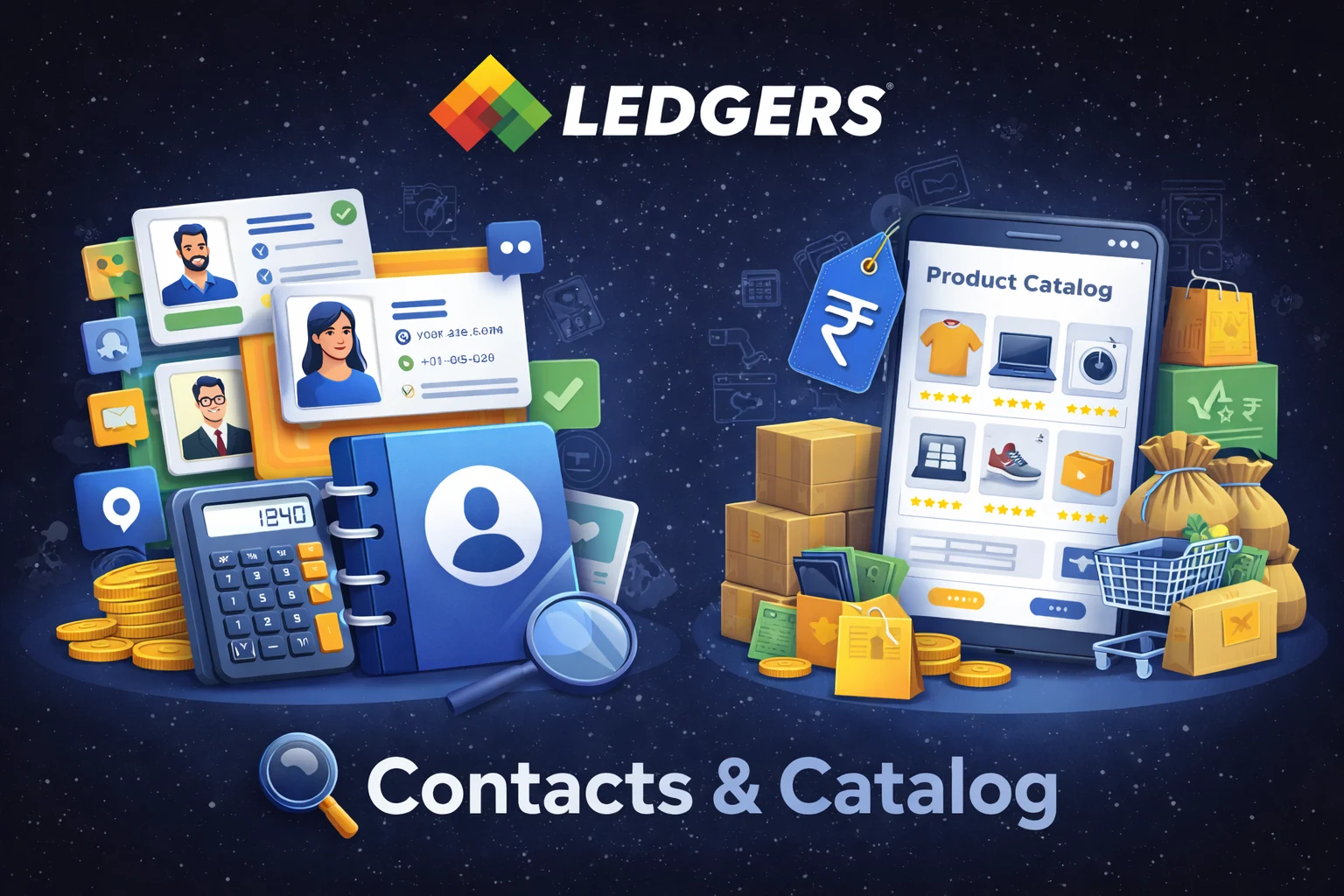
Every business transaction starts with two things: who you're dealing with and what you're selling or buying. In Ledgers, the Contacts and Catalog modules are purpose-built to manage exactly that - your business relationships and your product/service inventory.
Contacts: Manage Your Business Relationships
The Contacts module is your central hub for tracking every customer, supplier, or prospect your business interacts with.
Organizing Your Network
Contacts are categorized into three types - Customer, Supplier, or Both - making it easy to segment your network and apply the right workflows. The list view lets you search by name, email, mobile, or business name, and filter by status, type, or GST registration. Bulk status updates (Active/Inactive) help you keep your database clean without tedious one-by-one edits.
Smart Contact Creation
Creating a contact is streamlined with intelligent auto-fill capabilities:
- GSTIN Lookup: Enter a GSTIN and Ledgers automatically fills in the business name, PAN, and registered address - eliminating manual data entry and reducing errors.
- Visiting Card OCR: Upload a photo of a visiting card and let the system extract contact details automatically.
- Google Places Integration: Address fields use autocomplete to quickly resolve accurate, structured addresses.
The creation form is organized into four tabs - Information, Billing Address, Shipping Address, and Tax Information - keeping the process focused and logical.
A Complete 360° View
Once a contact is saved, the dashboard gives you a full picture of the relationship:
- Information - Editable fields for personal, business, address, bank account, and tax details.
- Account Statement - A real-time balance view with payment and transaction history.
- Transactions - Invoices, receipts, and credit notes, scoped to the contact's type (customer or supplier).
- Documents - Attach and manage contracts, agreements, or any relevant files.
- Notes & Audit Logs - Internal notes plus a complete change history so nothing gets lost.
Catalog: Define What You Sell and Buy
The Catalog module is your product and service master - a single source of truth for everything your business trades.
Flexible by Design
Each catalog item supports a dual-mode structure: it can be a sales item, a purchase item, or both. This matters because the price, description, and account classification can differ depending on whether you're buying or selling the same product. Enable the Sales and/or Purchase section per item and configure them independently.
GST-Ready from the Start
Indian tax compliance is built in from day one:
- HSN/SAC codes are supported for both Goods and Services, with an AI-assisted auto-lookup that suggests the correct code and applicable GST rate based on the product name.
- GST Rates cover all standard slabs (Nil, 0%, 5%, 12%, 18%, 28%) plus Zero-Rated and Exempt options.
- CESS can be configured as either a flat value or a percentage, added on top of the base GST rate.
- Price Type - mark prices as inclusive or exclusive of GST per variant, so your quotes and invoices always compute tax correctly.
Variants for Real-World Pricing
Products rarely have a single price. The Variants system lets you create multiple SKUs under one catalog item - each with its own price, price type, non-taxable component, description, and SKU ID. Whether you sell the same item in different pack sizes or offer tiered pricing, variants keep everything organized under one master record.
Chart of Accounts Integration
When creating a catalog item, you can link it to your Chart of Accounts (COA) for expense classification. This means every purchase or sale involving that item automatically posts to the right ledger - no manual account selection needed at the time of billing.
Why It Matters
The Contacts and Catalog modules aren't standalone features - they are the foundation every other module builds on. Invoices pull from contacts and catalog items. Purchase orders reference suppliers and products. Reconciliation traces back to transactions that originated here.
Getting Contacts and Catalog right means faster document creation, fewer errors, and cleaner financial records across the board. Ledgers makes that setup straightforward - whether you're onboarding ten contacts or a hundred catalog items.