




PREMNATH P
Updated on
30-07-2026
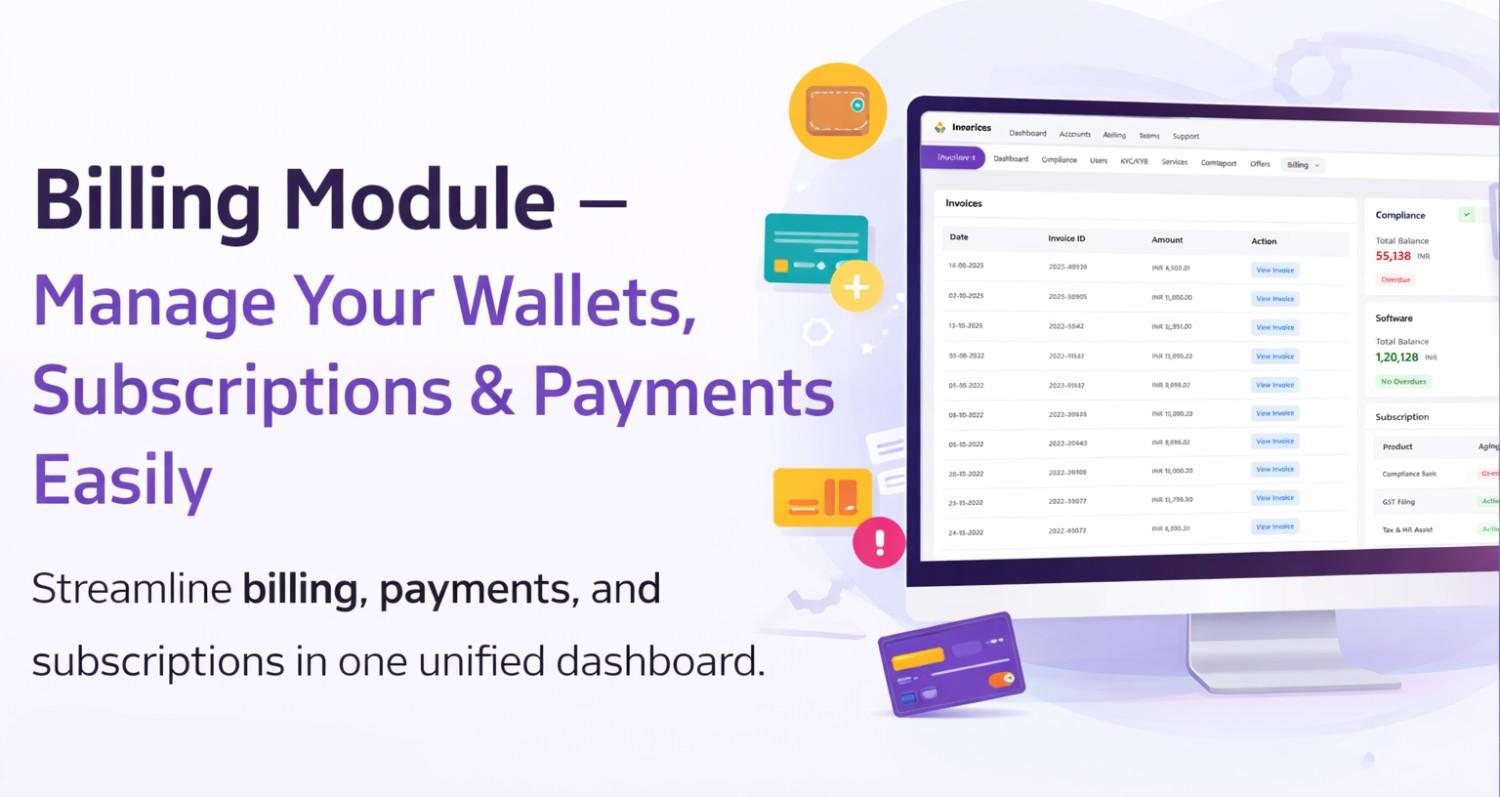
Billing Module – Manage Your Wallets, Subscriptions & Payments Easily
The Billing Module in Ledgers CRM helps users manage their service bills, wallet balances, subscriptions, invoices, and account statements in one place. It reduces confusion and gives full clarity on how much balance is available, what subscriptions are active, and which invoices are pending.
1. Dual Wallet System
Ledgers CRM supports two types of wallets:
- Compliance Wallet — used for Compliance related services
- Software Wallet — used for Software subscription fees
Each wallet clearly shows:
- Current balance
- Whether there are any pending payments
- Option to add balance quickly
- Option to view account statements
Wallet balances update in real-time, so users always know how much credit they have.
2. Subscription Management
Users can see all active and completed subscriptions in one place.
Subscription table shows:
- Product & entity details
- Start date aging (how many days passed)
-
Status labels such as:
- Active
- Completed
- Expired
- Overdue
Based on the status, users can take actions such as:
- Renew (for completed subscriptions)
- Pause (for eligible compliance subscriptions)
- Downgrade (for Tax Assist / Tax & HR Assist)
- View Statements
Only the appropriate actions are shown, depending on the product type and eligibility.
3. Invoice Management
Invoices are listed in a simple table with:
- Invoice date
- Invoice number
- Amount
- View Invoice button
Users can click to view the invoice in a new tab. Pagination allows browsing through invoices easily.
4. Account Statements
Account statements show the financial history of each wallet.
Users can filter the statement by:
- Today
- Yesterday
- Last 7 days
- Last 30 days
- Month to Date
- Last Month
- Year to Date
- Last Year
- All Transactions
- Custom Date Range
Each statement displays:
- Transaction date
- Description
- Debit / Credit amounts
- Running balance
Users can also:
- Download PDF
- Send statement by Email
5. Adding Balance & Payments
If the wallet balance is low, users can add funds through the Add Balance option.
The flow is simple:
- Click Add Balance
- Choose an amount (preset or custom)
- Continue to payment
- Complete payment in the new tab
Once payment succeeds, the wallet balance updates automatically.
User-Friendly Layout & Experience
The Billing Module is designed for clarity:
- Wallets and subscriptions appear on the right side
- Invoices and statements appear on the left
-
Status colors help users understand current conditions:
- Green – No issues / Active
- Red – Payment overdue
- Blue – Completed
- Yellow – Expired
The interface also works well on smaller screens with scrolling support.
Best Practices for Users
To manage billing smoothly:
- Keep wallet balance sufficient to avoid interruptions
- Check subscription timelines to plan renewals
- Use statements for financial review or documentation
- Use preset amounts for quicker top-ups
Conclusion
The Billing Module in Ledgers CRM brings billing, payments, subscriptions, and statements into a single unified dashboard. It provides transparency, simple workflows, and real-time updates, helping businesses track spending and manage services efficiently without confusion.