




VAIRAVAN K
Updated on
30-07-2026
POS Machine: The Complete Guide for Modern Businesses
In the current fast-paced retail and hospitality industry, Point of Sale (POS) machines have become the lifeline of business operations. Whether you are operating a small café, retail store, or a chain of stores, it is essential that you understand how POS machines work and how they interface with your accounting software.
What is a POS Machine?
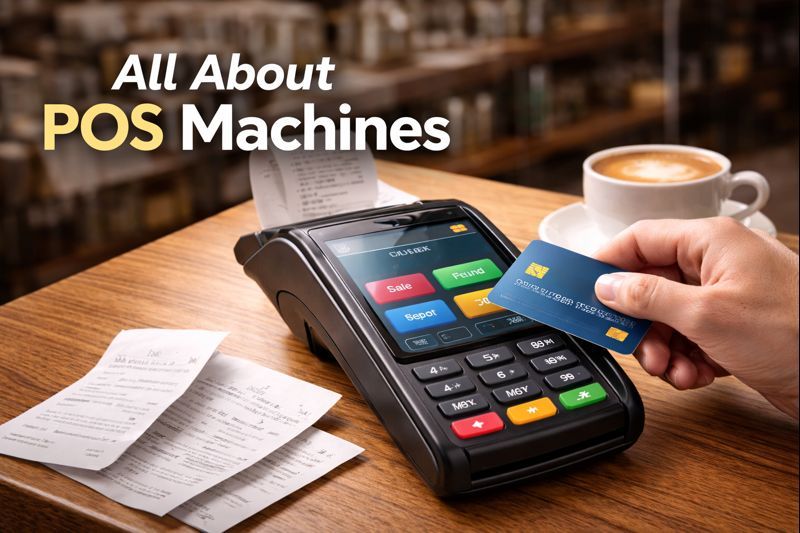
A Point of Sale (POS) machine is a hardware and software solution that allows businesses to process sales transactions, receive payments, and track inventory in real-time. Today’s POS systems have come a long way from the traditional cash register—they are now full-fledged business management solutions that incorporate everything from customer relationship management to sales analysis.
Key Components of a POS System
Hardware Components:
- Touchscreen display or monitor for transaction processing
- Receipt printer for generating customer receipts
- Barcode scanner for quick product identification
- Cash drawer for managing physical currency
- Card reader for accepting debit, credit, and contactless payments
- Customer-facing display showing transaction details
Software Features:
- Sales processing and payment acceptance
- Real-time inventory tracking and management
- Customer data collection and loyalty programs
- Employee time tracking and management
- Detailed sales reports and analytics
- Integration capabilities with accounting systems
Why Your Business Needs a POS Machine
The advantages of having a new POS system in place go beyond the mere processing of transactions. The business will benefit from increased efficiency, with automated inventory updates, fewer errors in calculations, and quicker checkout times that improve customer satisfaction. The sales data generated will also help in understanding customer behavior and peak business hours.
Business Advantages:
- Speed and Efficiency: Process transactions in seconds, reducing wait times
- Inventory Management: Automatic stock level updates prevent overselling
- Data-Driven Decisions: Access to real-time sales analytics and reports
- Reduced Errors: Automated calculations eliminate manual mistakes
- Enhanced Security: Secure payment processing and transaction records
How Ledgers Seamlessly Integrates with Your POS System
Although POS machines perform very well in handling sales operations, the actual challenge for businesses is in handling the financial data that results from these sales operations. This is where Ledgers.cloud fills the important gap between sales operations and financial management.
Automatic Transaction Synchronization
Ledgers.cloud automatically syncs with your POS system, eliminating the tedious manual entry of sales data. Every transaction processed through your POS machine flows directly into your accounting books, ensuring your financial records are always current and accurate. This real-time synchronization means you can view today's sales revenue, track daily cash flow, and monitor business performance without any delay.
GST Compliance Made Simple
For Indian businesses, managing GST compliance across multiple sales channels can be overwhelming. Ledgers.cloud automatically categorizes your POS transactions according to GST rates (0%, 5%, 12%, 18%, or 28%), generates compliant invoices, and prepares your GST returns. Whether you're selling exempt items or luxury goods, the platform ensures every transaction is recorded with the correct tax treatment.
Unified Financial Dashboard
Rather than juggling between your POS reports and accounting software, Ledgers.cloud provides a unified dashboard where you can:
- Monitor daily sales from all POS terminals
- Track cash and digital payment collections separately
- View profit margins on products and categories
- Generate financial statements reflecting your sales data
- Reconcile bank deposits with POS settlements
Multi-Location Management
For businesses operating multiple outlets, each with its own POS machine, Ledgers.cloud consolidates all sales data into a single platform. You can track individual location performance, compare revenue across stores, and maintain centralized inventory management while ensuring each branch's financial data remains organized and accessible.
Conclusion
Today’s POS machine is not only a payment processing terminal but a complete business solution that helps you increase efficiency, customer satisfaction, and business growth. With the integration of your POS system with Ledgers.cloud, you can convert your disparate transaction data into valuable financial information, achieve compliance in a hassle-free manner, and get the clarity required to make informed business decisions.
Ready to optimize your business operations? Learn how Ledgers.cloud can help you unlock your POS data to make informed financial decisions.