




MONISHA D
Updated on
30-07-2026
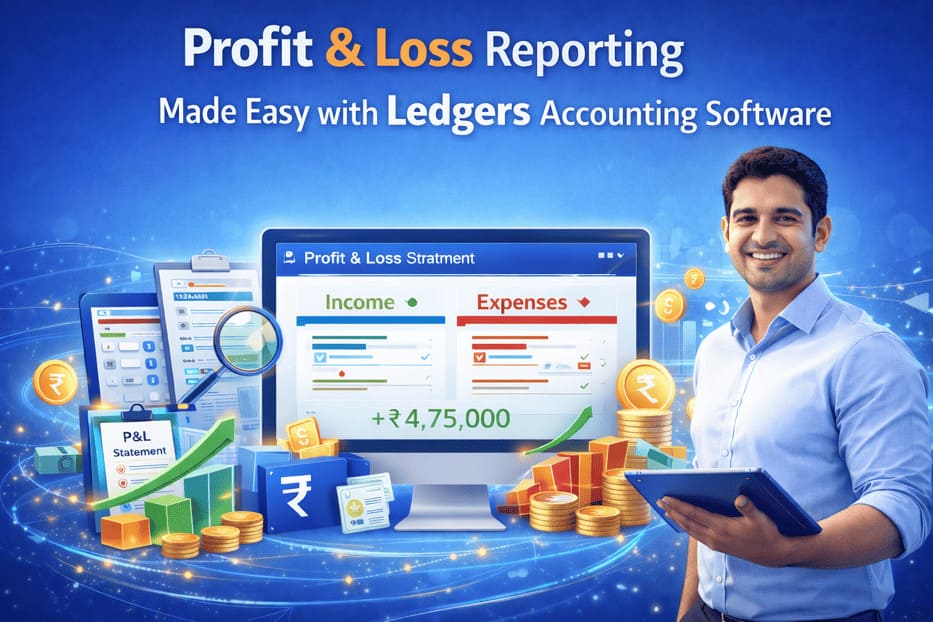
Profit & Loss Reporting Made Easy with Ledgers Accounting Software
Understanding whether your business is making a profit or running at a loss is one of the most important parts of financial management. Every business, whether small or large, needs accurate reports to track income, monitor expenses, and measure overall performance. Without clear financial visibility, making the right business decisions becomes difficult.
Ledgers Accounting Software helps businesses simplify financial reporting through smart and automated Profit & Loss Reporting tools. With real-time insights, accurate calculations, and easy-to-read reports, Ledgers enables business owners, accountants, and finance teams to understand company performance instantly.
Whether you are running a startup, retail business, trading company, manufacturing unit, or growing enterprise, Ledgers helps you manage your finances with confidence.
What is Profit & Loss Reporting?
A Profit & Loss Report (P&L Statement) is one of the most essential financial statements used by businesses. It shows the company’s total income, total expenses, and net profit or net loss during a specific period.
This report helps answer important questions such as:
- How much revenue did the business generate?
- What were the operating expenses?
- Is the business profitable?
- Which areas are increasing costs?
- How is the company performing month to month?
A proper Profit & Loss report is critical for financial planning and growth.
Why Profit & Loss Reporting Matters
Many businesses focus only on sales numbers, but sales alone do not indicate success. A company may have high sales but low profits if expenses are uncontrolled.
Profit & Loss reporting helps businesses:
Measure Real Business Performance
Understand whether the company is generating actual profits after all expenses.
Control Expenses
Track spending categories such as rent, salaries, utilities, logistics, and operations.
Make Better Decisions
Use real financial data to plan pricing, hiring, investments, and expansion.
Prepare for Tax Filing
Maintain organized records for tax planning and compliance.
Monitor Growth Trends
Compare profits over months, quarters, or years.
How Ledgers Simplifies Profit & Loss Reporting
Traditional accounting methods often involve spreadsheets, manual calculations, and delayed reports. This can lead to errors and outdated information.
Ledgers Accounting Software automates the reporting process and gives businesses instant access to accurate Profit & Loss statements.
With Ledgers, businesses can:
- Generate P&L reports instantly
- Track revenue and expenses automatically
- View monthly or yearly comparisons
- Identify cost-heavy areas
- Access reports anytime online
- Export statements when needed
- Improve financial planning
Key Components of a Profit & Loss Report in Ledgers
1. Revenue / Income
This section displays all business income sources, such as:
- Sales revenue
- Service income
- Other operating income
- Additional business earnings
Ledgers records income automatically from invoices and sales entries.
2. Cost of Goods Sold (COGS)
For trading and manufacturing businesses, this includes:
- Purchase costs
- Raw material costs
- Production-related expenses
- Freight and direct costs
This helps calculate gross profit accurately.
3. Gross Profit
Gross Profit = Revenue – Cost of Goods Sold
This shows how efficiently the business earns profit before administrative and operating expenses.
4. Operating Expenses
Ledgers categorizes business expenses such as:
- Salaries and wages
- Office rent
- Electricity and internet bills
- Marketing expenses
- Travel expenses
- Repairs and maintenance
- Insurance
- Professional fees
5. Net Profit / Net Loss
After deducting all expenses, the final result shows whether the business earned a profit or incurred a loss.
This is one of the most important indicators of financial health.
Real-Time Reporting for Faster Decisions
Business owners cannot wait until year-end to know performance. Ledgers provides real-time reporting so you can monitor profits regularly.
You can quickly check:
- Monthly profitability
- Seasonal performance trends
- Expense increases
- Sales growth patterns
- Department-wise performance
- Year-over-year comparison
This helps businesses act quickly when needed.
Easy Comparison Reports
Ledgers makes it simple to compare business performance across different periods.
Examples include:
- This month vs last month
- This quarter vs previous quarter
- Current year vs last year
- Branch-wise comparisons
- Product-wise profit trends
These comparisons help identify growth opportunities and financial risks.
Why Businesses Choose Ledgers for Profit & Loss Reporting
1. Accuracy
Automated calculations reduce human errors commonly seen in manual bookkeeping.
2. Time Saving
Generate reports in seconds instead of spending hours on spreadsheets.
3. Better Visibility
Understand your complete business performance clearly.
4. Easy to Use
Simple dashboard designed for business owners and accountants.
5. Anytime Access
Cloud-based access allows viewing reports from office, home, or while travelling.
Useful for Different Types of Businesses
Ledgers Profit & Loss reporting is ideal for:
Retail Businesses
Track daily sales margins and expenses.
Trading Companies
Monitor purchase costs and selling profitability.
Manufacturing Units
Measure production costs and operating margins.
Service Businesses
Track income versus salary and operational expenses.
Startups
Understand burn rate and profitability growth.
Multi-Branch Businesses
View consolidated or branch-wise reports.
How Ledgers Helps Accountants and Business Owners
For Business Owners:
- Know exact profit position
- Control spending
- Make faster decisions
- Plan future growth
For Accountants:
- Faster closing of books
- Organized financial records
- Easier audits
- Better reporting efficiency
Supports Strategic Planning
Profit & Loss reports are not only for accounting—they are powerful planning tools.
Ledgers helps businesses use P&L reports for:
- Pricing strategy decisions
- Expense reduction planning
- Hiring plans
- Expansion planning
- Loan applications
- Investor discussions
- Annual budgeting
Simple Steps to Generate Profit & Loss Reports in Ledgers
- Record sales and expenses regularly
- Maintain accurate ledger entries
- Choose report period
- Generate P&L statement instantly
- Analyze profit trends and expenses
- Export or share reports if required
Why Real-Time Profit Visibility Matters
Many businesses fail not because of poor sales, but because they do not understand profits clearly.
With Ledgers, you always know:
- Where money is coming from
- Where money is going
- Which costs need control
- Whether margins are improving
- How strong the business is financially
This gives confidence in every decision.
Grow Smarter with Ledgers Accounting Software
If you want clear financial visibility and better business control, Profit & Loss Reporting Made Easy with Ledgers Accounting Software is the smart solution.
Ledgers helps you automate reporting, reduce manual work, improve accuracy, and understand business performance in real time.
Make informed decisions, improve profitability, and grow with confidence using Ledgers Accounting Software.