




PUGALENTHI
Updated on
30-07-2026
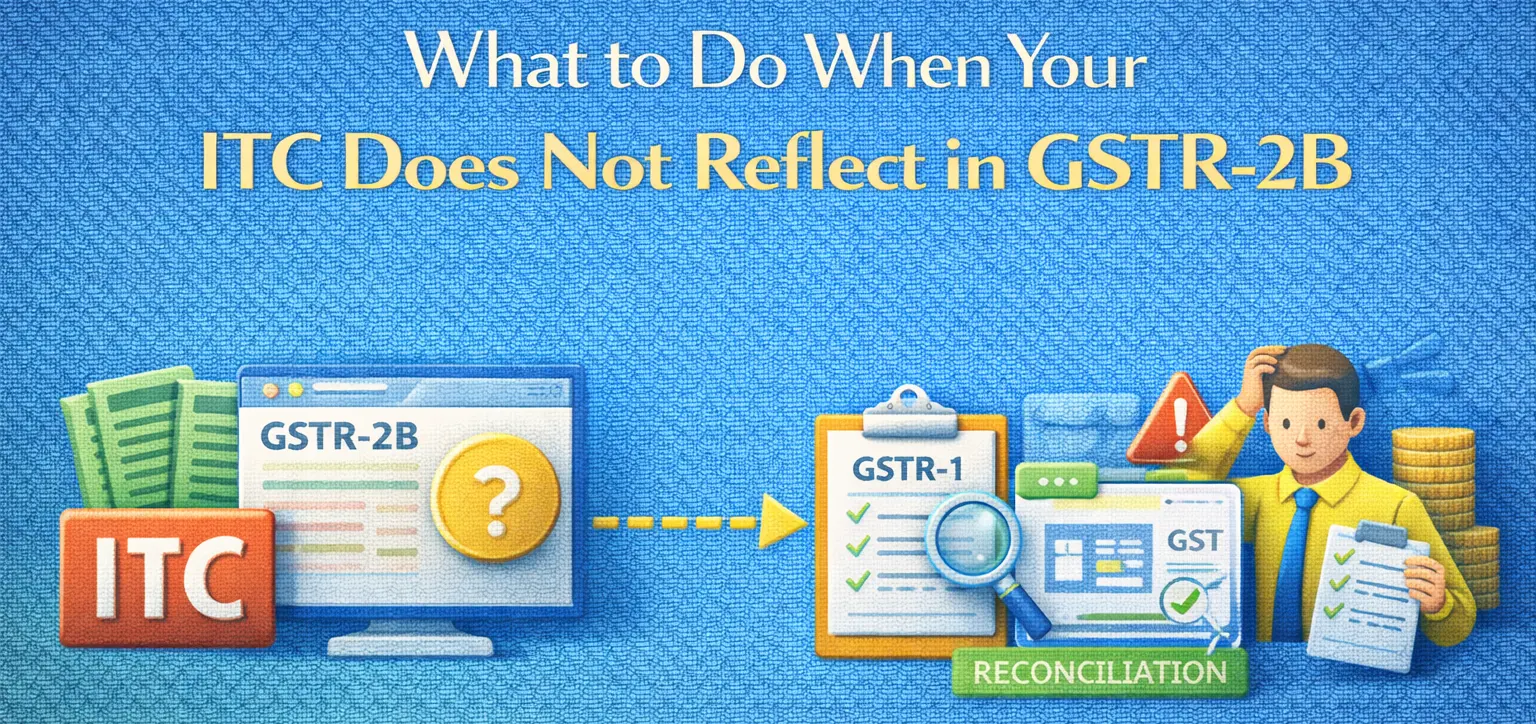
What to Do When Your ITC Does Not Reflect in GSTR-2B
The process of claiming Input Tax Credit (ITC) is a crucial aspect of managing one's GST obligations efficiently. However, businesses sometimes face issues when their ITC does not appear in GSTR-2B. Understanding the reasons and remedies for this can help businesses ensure smooth compliance with GST rules.
Common Reasons Why ITC May Not Reflect in GSTR-2B
Several factors can lead to ITC not appearing in your GSTR-2B. Here are the most prevalent issues:
- Supplier Non-Filing of GSTR-1
- Invoice Mismatches
- Incorrect GSTIN (Goods and Services Tax Identification Number)
- Delayed Uploads by Suppliers
Supplier Non-Filing of GSTR-1
One of the primary reasons for ITC not reflecting is when your supplier fails to file GSTR-1. Since GSTR-2B is auto-populated based on the data provided by the supplier, any lapses on their part directly affect your ITC claim.
Invoice Mismatches
Discrepancies in invoice details are another common issue. Mismatches could occur due to differences in the invoice number, date, or amount between what is declared by the supplier and what is recorded by the recipient.
Incorrect GSTIN
Errors in entering the GSTIN can result in ITC not being reflected in GSTR-2B. A wrong GSTIN entry could mean that your invoice is filed under a different taxpayer ID altogether.
Delayed Uploads
Sometimes, suppliers might delay the uploading of invoices which can cause a lag in reflecting ITC in GSTR-2B. Such delays can disrupt ITC claims temporarily.
Step-by-Step Guide to Resolve ITC Issues in GSTR-2B
To effectively manage ITC issues, businesses should engage in proactive reconciliation and follow these steps to ensure the visibility of their ITC in GSTR-2B:
1. Verify Invoices
Start by meticulously checking each invoice for accuracy:
- Ensure that all mandatory fields such as GSTIN, invoice number, date, and taxable value are correctly entered.
- Cross-verify the invoice details with the supplier's records.
- Look for any discrepancies that may lead to mismatches.
2. Communicate with Suppliers
Communicating effectively with your suppliers can often resolve many ITC issues:
- Reach out to suppliers who have not filed their GSTR-1 returns.
- Request them to upload invoices timely to avoid delaying ITC claims.
- Verify and confirm any corrections or updates provided by the suppliers.
3. Reconcile Records
Regular reconciliation of your purchase register and GSTR-2A/2B is crucial:
- Stay up-to-date with any changes in GSTR-2B so discrepancies can be resolved promptly.
- Utilize reconciliation tools or software if available for accuracy and efficiency.
4. Correct Errors and Refile if Necessary
If errors are identified, act swiftly to correct them:
- Any discrepancies found should be clarified with accurate details.
- Consider amendments to invoices where mistakes are found.
- Refile or request your supplier to refile the necessary returns.
5. Ensure Regular Compliance
Preventive measures and continuous monitoring can minimize ITC discrepancies:
- Keep abreast with the latest GST regulations and guidelines.
- Train accounting staff regularly for being updated on GST compliance.
- Establish reliable systems for regular checks and audits of ITC records.
Conclusion
Dealing with non-reflection of ITC in GSTR-2B requires persistence and effective communication. By understanding the common reasons behind discrepancies and administering the above steps, businesses can ensure proper and timely ITC claims. Regular reconciliation, diligent error checking, and maintaining communication with suppliers place you in better stead for seamless GST compliance.
Remember, while processes might seem daunting at first glance, a consistent approach and adherence to best practices will help demystify the complications surrounding your GST transactions.
LEDGERS
LEDGERS assists with compliance relating to GST through the integration of reconciliations into your accounting processes to allow the speedy identification of errors in records prior to incurring any penalties or interest. LEDGERS allows you to automate the process of synchronizing your GSTN data and tracking invoices on an invoice-by-invoice basis eliminating the need for manual corrections and the time-consuming process of verifying transactions at the end of a reporting period through the use of automatic validations from the system to facilitate revenue compliance activities.