
PUGALENTHI
Updated on 30-07-2026
For companies with multiple sites or locations, they often must file several different GST Registrations (GSTINs). With our LEDGERS Software, we have made managing these various GSTINs a lot easier by providing a streamlined way to manage and keep track of several GSTINs that are part of the same business PAN. In this tutorial, we will guide you step by step through the process of adding, managing, filing and preparing GST Returns for multiple GSTINs using LEDGERS. You will have all the tools you need to stay in compliance and operate efficiently.
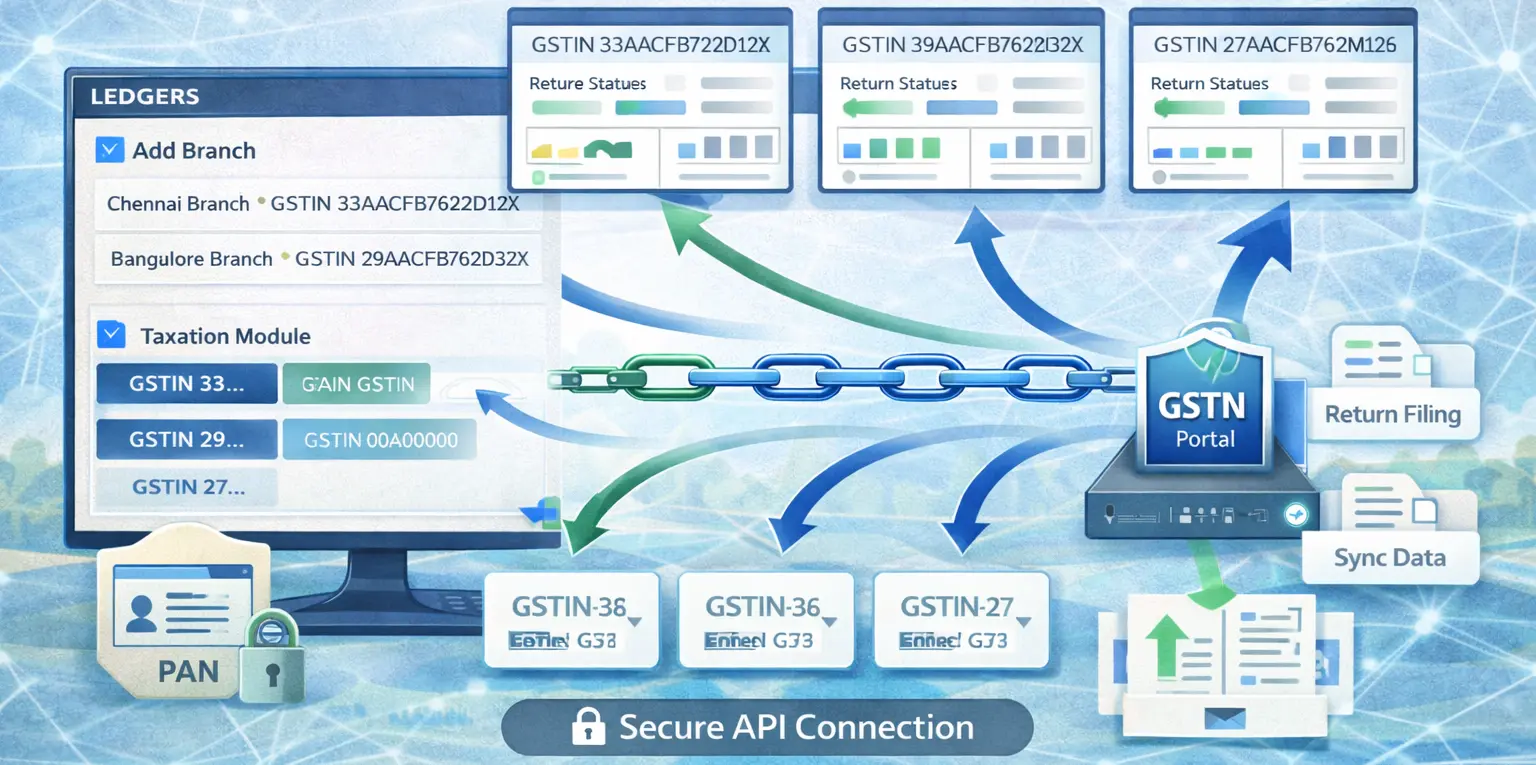
One of the primary features of LEDGERS is the ability to add multiple GSTINs at the branch level. This ensures each branch of a business can operate within its GST compliance framework while remaining linked to the central business PAN.
Once GSTINs are added, they automatically appear in the taxation module. LEDGERS provides an intuitive interface that allows users to switch between GSTINs effortlessly based on the branch or division they intend to manage.
Each GSTIN added in LEDGERS provides a separate and comprehensive view of its tax return status and GSTR-1, GSTR-3B, and GSTR-2B data.
Integration with the GST Network (GSTN) portal is essential for seamless GST filings. LEDGERS supports connecting each GSTIN individually to the GSTN portal.
LEDGERS offers businesses the capability to perform GST returns and related filings independently for each GSTIN. This ensures that compliance management is both clear and controlled.
Businesses that have a number of locations or operational units will find that by using LEDGERS to manage their GSTIN's that they will be able to do so in a simple, easy-to-use way and will be able to be confident that all GSTIN's associated with that business are automatically created into LEDGERS Taxation function when the associated GSTIN number is issued to businesses, which provides businesses with the confidence that they are meeting their GST Compliance requirements. Once all of the GSTIN's are linked to the same PAN of the business, the user has the ability to also connect each GSTIN to the GSTN portal independently, which will allow businesses to easily file their GST returns accurately and promptly for all GSTINs associated with that business.
This document describes the process required for a business to enable LEDGERS to assist businesses in meeting their GST Compliance requirements, thereby allowing businesses to effectively and efficiently manage their tax obligations.
