




KARTHICKKUMAR R
Updated on
30-07-2026
Role-Based Access Control for LEDGERS Operations
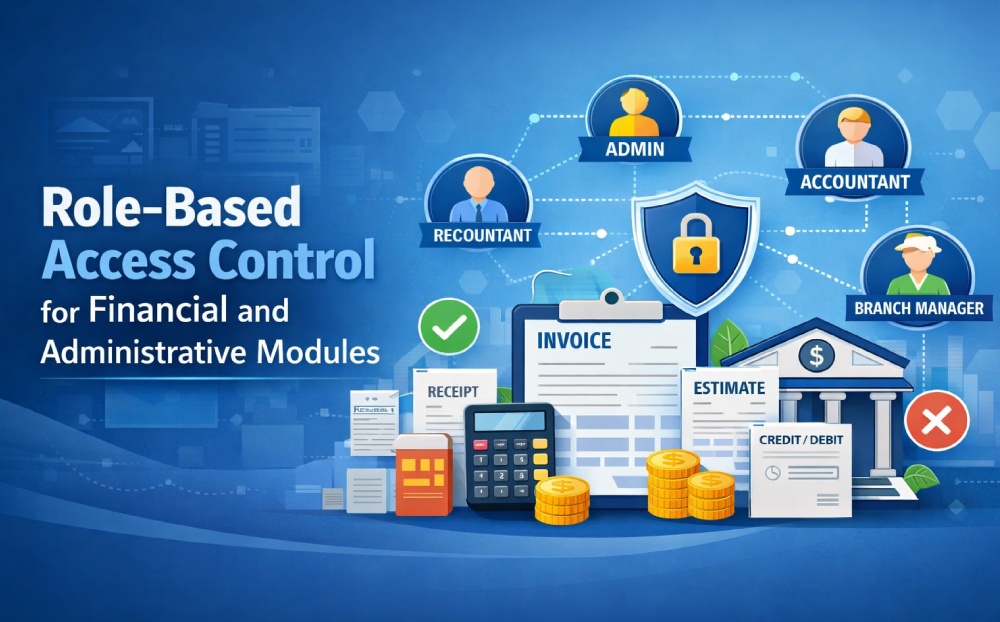
The LEDGERS Module has implemented Role-Based Access Control (RBAC) to restrict who will be able to view and make changes to financial information. Many systems in the area of accounting and finance will need to have a way of controlling who can create, view or modify LEDGERS items to provide the necessary protection of the accuracy, security, and accountability of financial data.
With this enhancement of RBAC, all operations done in the LEDGERS module will fall under controlled access and will be governed by the roles and permissions assigned to each user. Every user has defined permissions assigned which allow him/her only access to specific functions in the LEDGERS module. This approach will help maintain an environment that is secure and properly managed from an accounting perspective.
What is Role-Based Access Control?
Role-Based Access Control is a popular method of restricting system access exclusively to authorized users. This model is based on a user's role within an organization, determining what access privileges they possess. By aligning access permissions with job responsibilities, RBAC ensures that employees can only access the data necessary for their tasks without risking unauthorized exposure or data breaches.
System Access Structure
User access within the system is organized through roles and permissions. Administrators can define which operations a user is allowed to perform. These permissions determine whether a user can view records, create new entries, or update existing data within specific modules.
For example, an accountant may have full access to financial documents, while a data entry operator may only be allowed to create records without modifying previously approved information. This structured access ensures that responsibilities are clearly separated across different user roles.
Access Enforcement
The system continuously verifies user permissions when accessing any module. If a user does not have the required access rights, the system prevents the operation and restricts access to the relevant functionality.
Additionally, the interface dynamically adapts to user permissions by displaying only the actions that the user is allowed to perform. This helps create a secure and user-friendly environment while maintaining strict access control.
Key Features
1. Permission-Based Module Access
Each module in the system operates based on user permissions. Users can only access modules and perform actions that are explicitly allowed for their assigned role.
2. Invoice Management
Users with the required permissions can view, create, update, and manage invoices. Unauthorized users will not have access to invoice-related operations.
3. Estimate Management
The estimate module allows authorized users to view and create estimates, update estimate details, and manage estimate records based on their assigned access rights.
4. Receipt Management
Receipt operations are restricted to users with receipt permissions. Authorized users can view receipts, create new receipts, and update receipt details when necessary.
5. Credit and Debit Notes
The system controls access to credit notes and debit notes through role permissions. Only users with appropriate privileges can generate, view, or modify these financial adjustment documents.
6. Branch Management
Branch-related operations such as viewing branch details, adding new branches, and updating branch information are accessible only to users who have been granted branch management permissions.
7. Banking Operations
The banking module allows users with the required permissions to manage bank accounts, view banking records, and update banking information securely.
8. LEDGERS Operations
LEDGERS entries and account records can be viewed, created, and updated only by authorized users, ensuring accurate financial record management.
9. Dynamic User Interface Control
The system dynamically controls the visibility of buttons, forms, and actions based on user permissions. If a user does not have access to a particular operation, the related interface elements will be hidden or disabled.
Benefits
Improved Data Security
Sensitive financial data is protected by restricting access to authorized users only.
Better Accountability
Each action performed in the LEDGERS module can be traced back to a specific user role, helping maintain transparency and accountability.
Reduced Risk of Errors
Limiting create and update permissions reduces the risk of accidental or unauthorized changes to financial records.
Efficient User Management
Administrators can easily manage user permissions and control system access without affecting other users.
Compliance and Control
Role-based access ensures better compliance with internal policies and financial control requirements.
Conclusion:
The implementation of Role-Based Access Control across key modules such as Invoices, Estimates, Receipts, Branches, Banking, Credit Notes, Debit Notes, and LEDGERS significantly improves system security and operational efficiency. By ensuring that only authorized users can perform specific actions, the system maintains strong data governance and supports structured financial management. This approach enables organizations to operate with greater confidence, accuracy, and control over their financial and administrative processes.