




ATCHAYA M
Updated on
30-07-2026
Common e-Invoice Errors and Validation failures - How LEDGERS Prevents Them
Validation failures, schema mismatches, and missing field errors result in delayed processing times, lengthy loops of rejection, and continued disappointment and difficulty when generating e-invoices from the Invoice Registration Portal (IRP). Many companies encounter these same challenges while preparing their electronic invoices and uploading them on the IRP, regardless of if done manually or through other means of uploading.
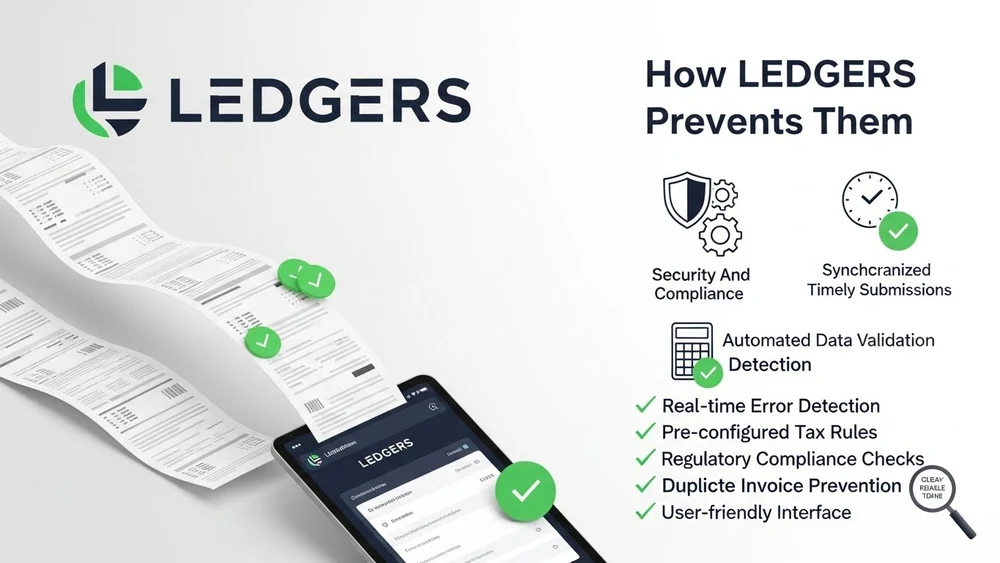
The purpose of LEDGERS is to provide a streamlined approach to reducing the number of electronic-commerce invoice-related problems created by manually or through non-automated means of creating electronic invoices uploaded to the IRP. Users can improve quality of data, prior to submitting e-invoices to the IRP, by identifying and correcting some forms of errors through user input, during the invoice creation process. This assists the IRP by providing users with increased compliance through the successful generation of the IRN.
GSTIN details that are missing or invalid
Subjects of Missing or Invalid GSTIN Details: The primary reasons for e-Invoices to be rejected due to GSTIN details that are incomplete or Invalid. Instances of GSTIN Invalidity due to Invoice submission to IRP without correct or complete GSTIN details include:
- Incorrect entry of Customer GSTIN
- The state code does not correspond to the GSTIN
- PAN-linked validation failure
- Expired or inactive GSTIN. Invoices submitted to IRP without the appropriate GSTIN detail are rejected, immediately
When such invoices are pushed to the IRP, the request is rejected immediately.
How LEDGERS prevents this problem
GSTIN format and state mapping validation occurs prior to actual invoice submission to IRP via the LEDGERS system. Upon validation, LEDGERS alerts the user to any incorrect or inconsistent GSTIN. This allows for the correction of the GSTIN at the time of invoice creation rather than after the invoice is rejected on IRP's portal.
Incorrect Document Number/Duplicate Invoice Reference. Invalid Document/Invoice Submission. This causes another common validation failure scenario. Examples of Duplicate Document Number/Reference in invoices include:
- Duplicate invoice numbers for the same financial year
- Unsupported numbering formats
- Duplicate submissions for already-generated IRNs
This presents an especially high risk when multiple teams from separate offices generate invoices for their customers without central management of invoice generation
How LEDGERS assists with this situation
The LEDGER system maintains a unique tracking of each invoice to ensure that if a duplicate reference is found at the time of submitting invoices to the IRP, an existing IRN will be provided to the user as opposed to generating a separate submission request for the same invoice (IRN).
Missing/Mandatory Schema Fields
- HSN or item classification is missing
- Quantity or taxable value is incomplete
- Place of supply is not defined
- Document type is incorrectly mapped
Because of above formatting deficiencies, many e-invoice uploaded via manual process will experience invalid schema error message.
LEDGERS eliminates invoice validation errors via a “schema ready” default setup.
Customers generating their invoices through “LEDGERS” will automatically have the respective mandatory fields populated by the system; therefore, the system has already validated that all HSN classifications match the particular GST schemes.
That’s why less than half of all invoices created with “LEDGERS” end up getting rejected/resubmitted due to backend schema validation errors.
Mismatch Between Tax Rate/Supply Type
The validation may also fail when:
- Tax rates do not match HSN classification
- Intrastate invoices use IGST or vice-versa
- Exempt or zero-rated values are declared incorrectly
These are issues that arise when a manual invoice preparation process is employed without validation controls in place.
LEDGERS approach
LEDGERS application automatically maps the tax type/supply type/place of supply; therefore, potential conflicts regarding the classification of an item type have also been reduced at the time that the IRN processing occurs.
Errors With Credit/Debit Notes
Rejections of Credit/Debit Notes occur for a number of reasons, include:
- Missing reference document information
- Incorrectly linked values on the linked invoice or IRN
- Note type is not compatible with the original transaction
LEDGERS solves this issue as it links all notes back to the base invoices, preventing issues with reference mapping during validation.
Business Benefits of Preventing Errors before They Occur
when addressing e-Invoice errors, instead of treating them as a fact of life, LEDGERS focuses on validating and guiding the correction process of the e-Invoice prior to issuing it, thereby reducing the number of:
- Rejection attempts (failed IRN attempts)
- Reduced dependency on manual troubleshooting
- Faster approval and compliance turnaround time
- Better alignment between books, IRP data, and GST returns
As such businesses spend more time on managing actual operations instead of fixing technical rejections.
Conclusion
The majority of e-Invoice failures are not due to technical portal problems. Rather they are due to data and validation problems That occur during the invoice stage. By providing validation, intelligence and structured rules into the invoicing workflow, LEDGERS gives businesses the tools to create compliant e-Invoices with confidence and consistently.